TinyBloom
Interaction Design 3 —— ArtCenter College Of Design
Sep. 2025 - Dec. 2025
Figma • After Effects
Teamwork
Team Members
Team Members: Jihyun Park, Jenna Choi, Adalyn Jin (Xiaolin Jin), Andrea Ma, Maitreyi Verma
Project Overview
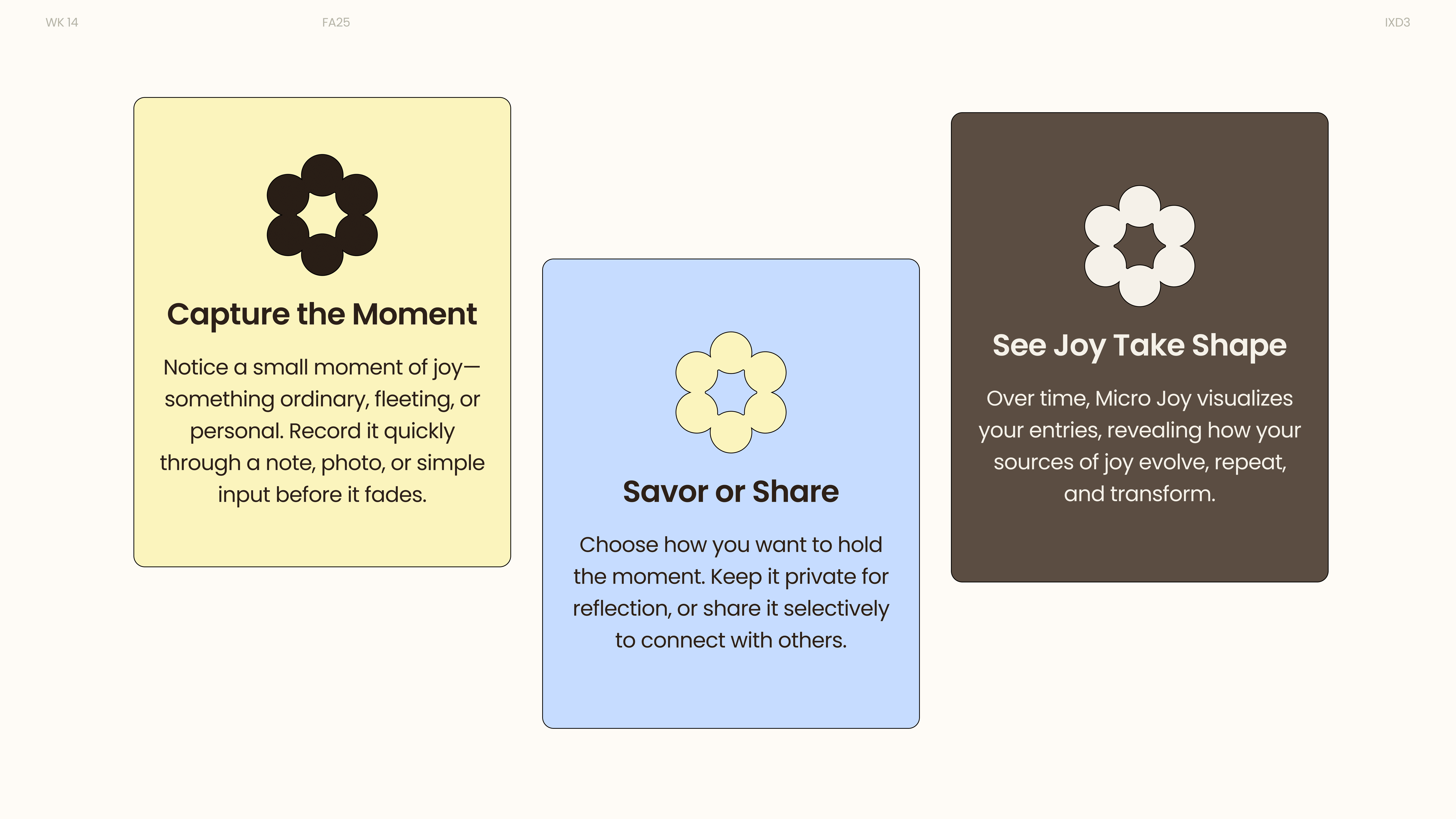
TinyBloom is a reflection-centered digital platform designed to help people capture and revisit small moments of micro-joy in their daily lives. By combining private journaling with optional light community sharing, it creates a space where subtle emotional experiences can be documented and meaningfully revisited.
Problem
In fast-paced daily routines, small positive moments often go unnoticed or quickly forgotten. Existing journaling and social platforms either feel too performative or too heavy, leaving little room for quiet, low-pressure emotional reflection.
Solution
TinyBloom provides a calm, structured environment for recording micro-joy moments through short reflections and photos. The system supports both private savoring and gentle sharing, while visualizing emotional patterns over time in a way that feels supportive rather than analytical.
Target Audience
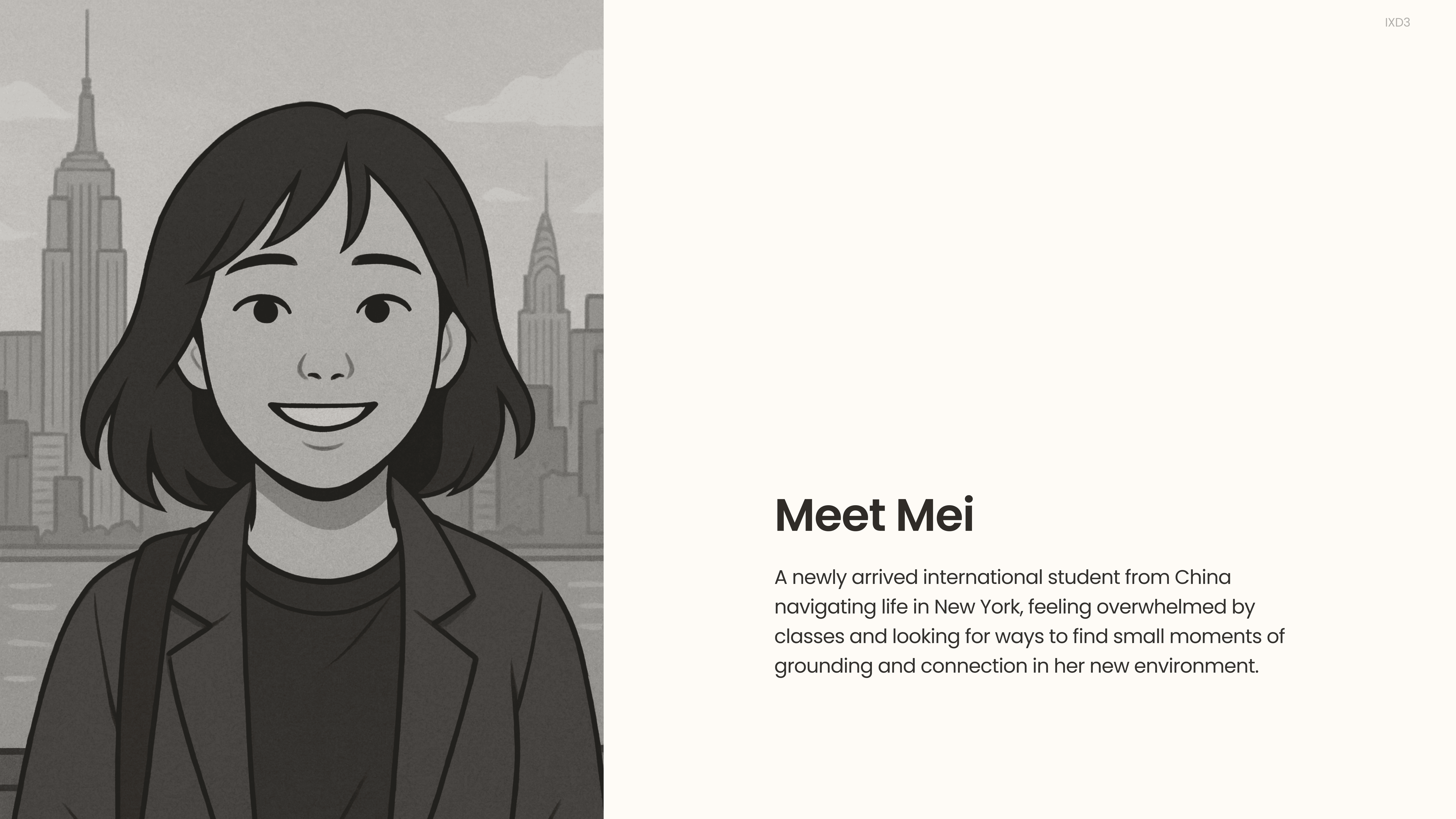
Young adults and students navigating busy, transitional phases of life who seek small, accessible ways to reconnect with positive daily experiences — without the pressure of public performance.
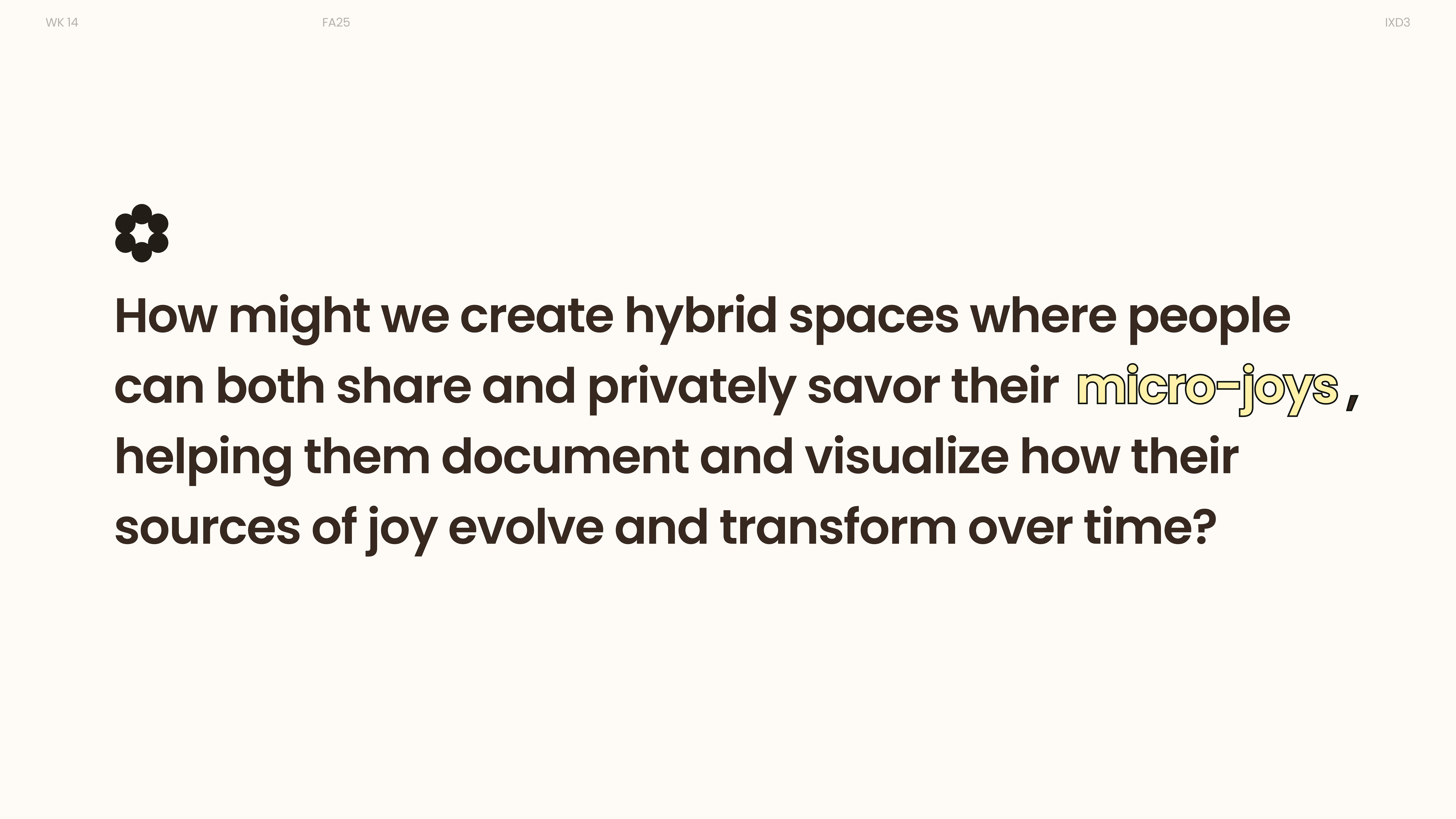
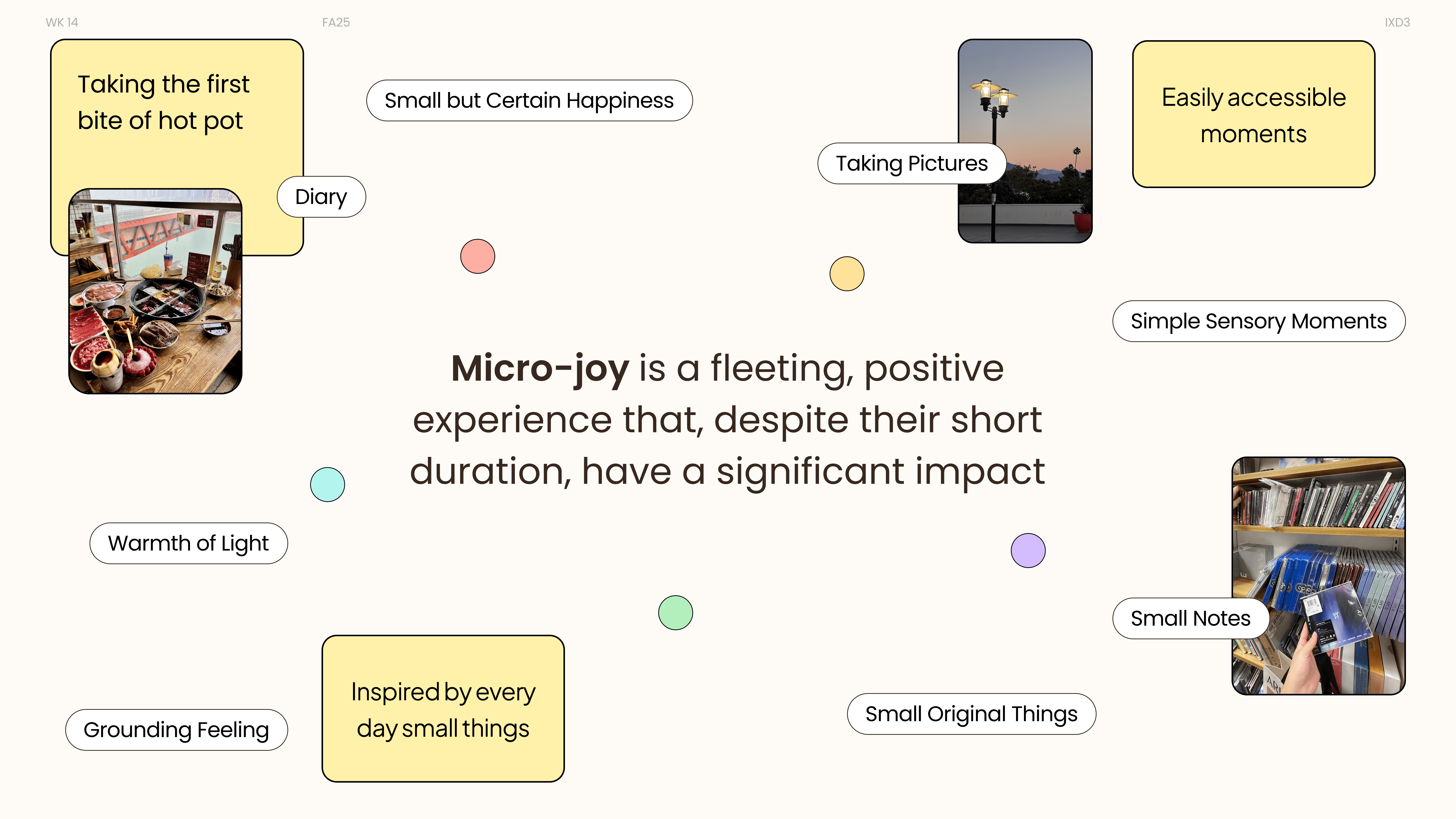
What is Micro-joy?
Micro-joy is not extraordinary.
It is small, ordinary, and fleeting.
But when noticed and revisited,
it becomes grounding, comforting, and quietly powerful.
User & Problem Context
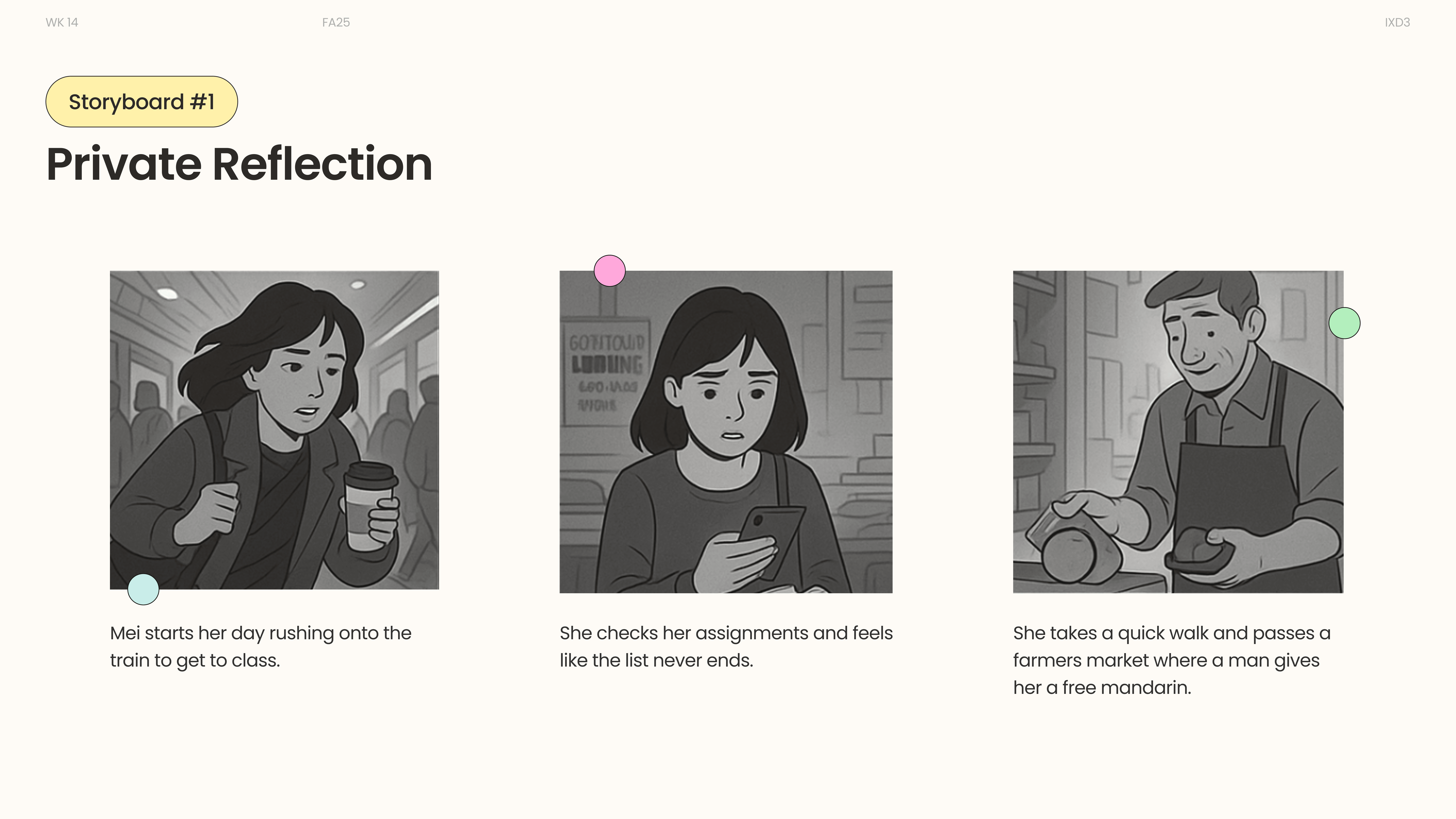
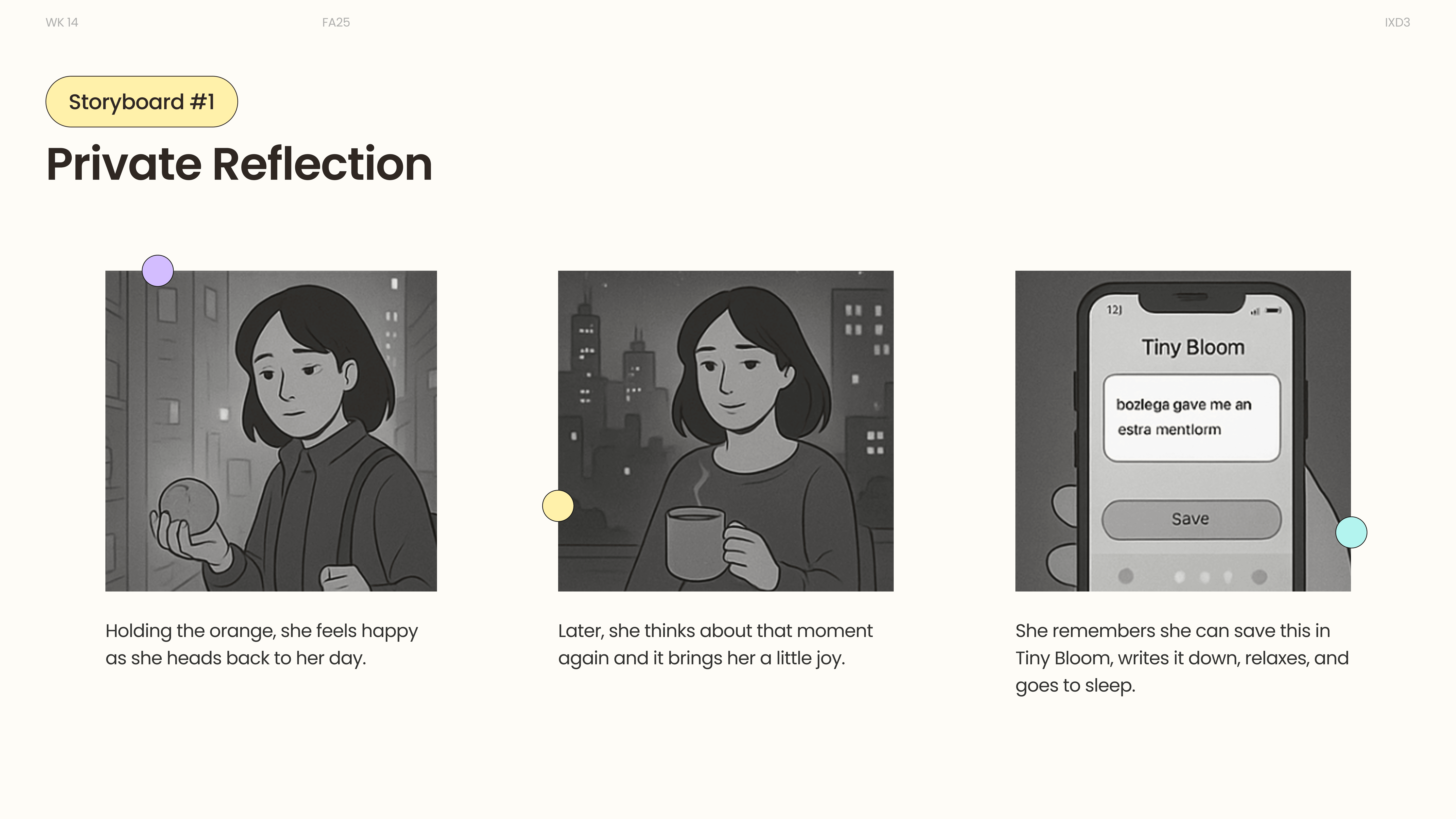
User Storyboard
Private Reflection
After a long and overwhelming day, Mei records a small moment of warmth in TinyBloom to ground herself. Revisiting the entry later helps her regain a sense of calm and emotional clarity.
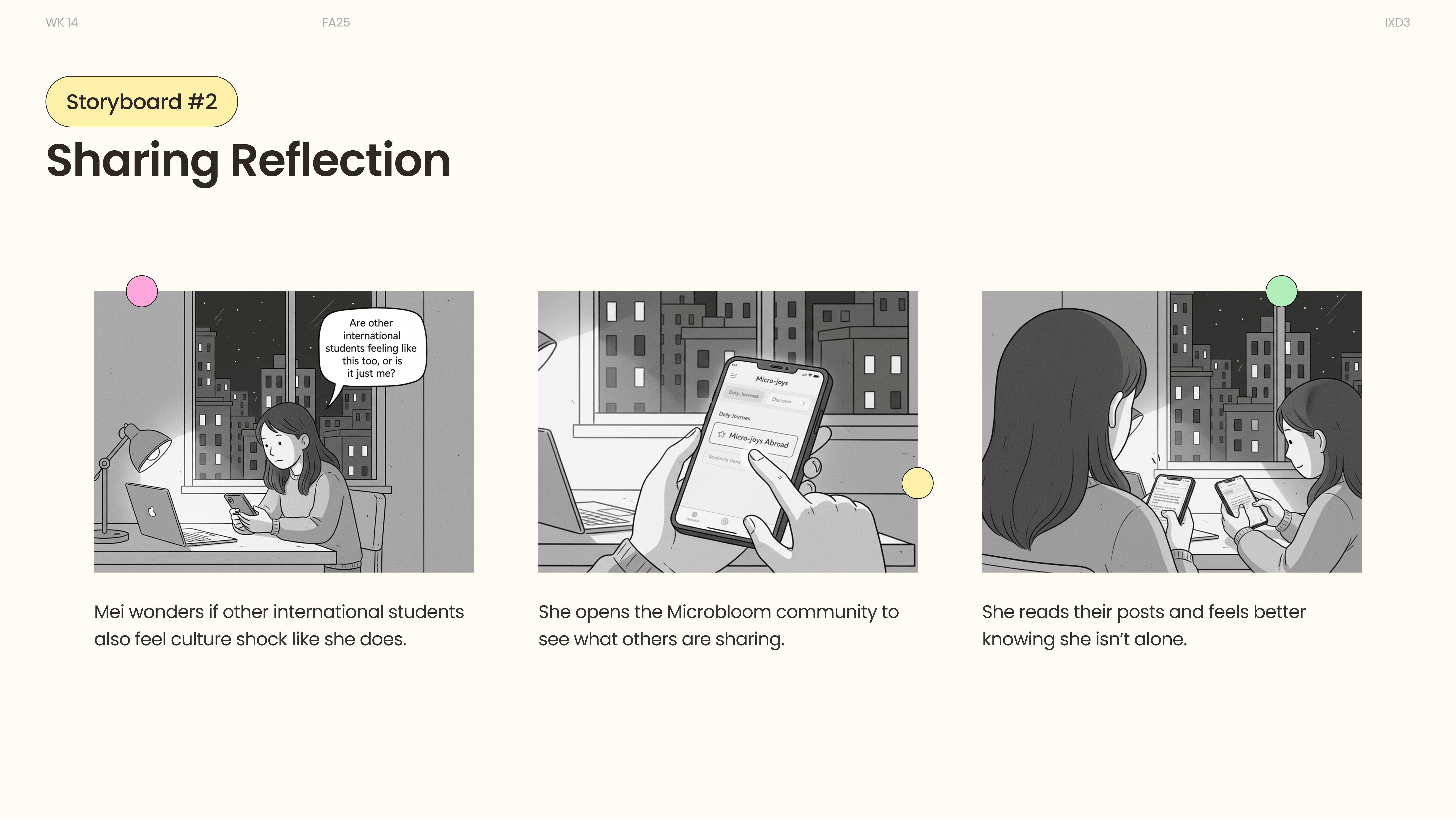
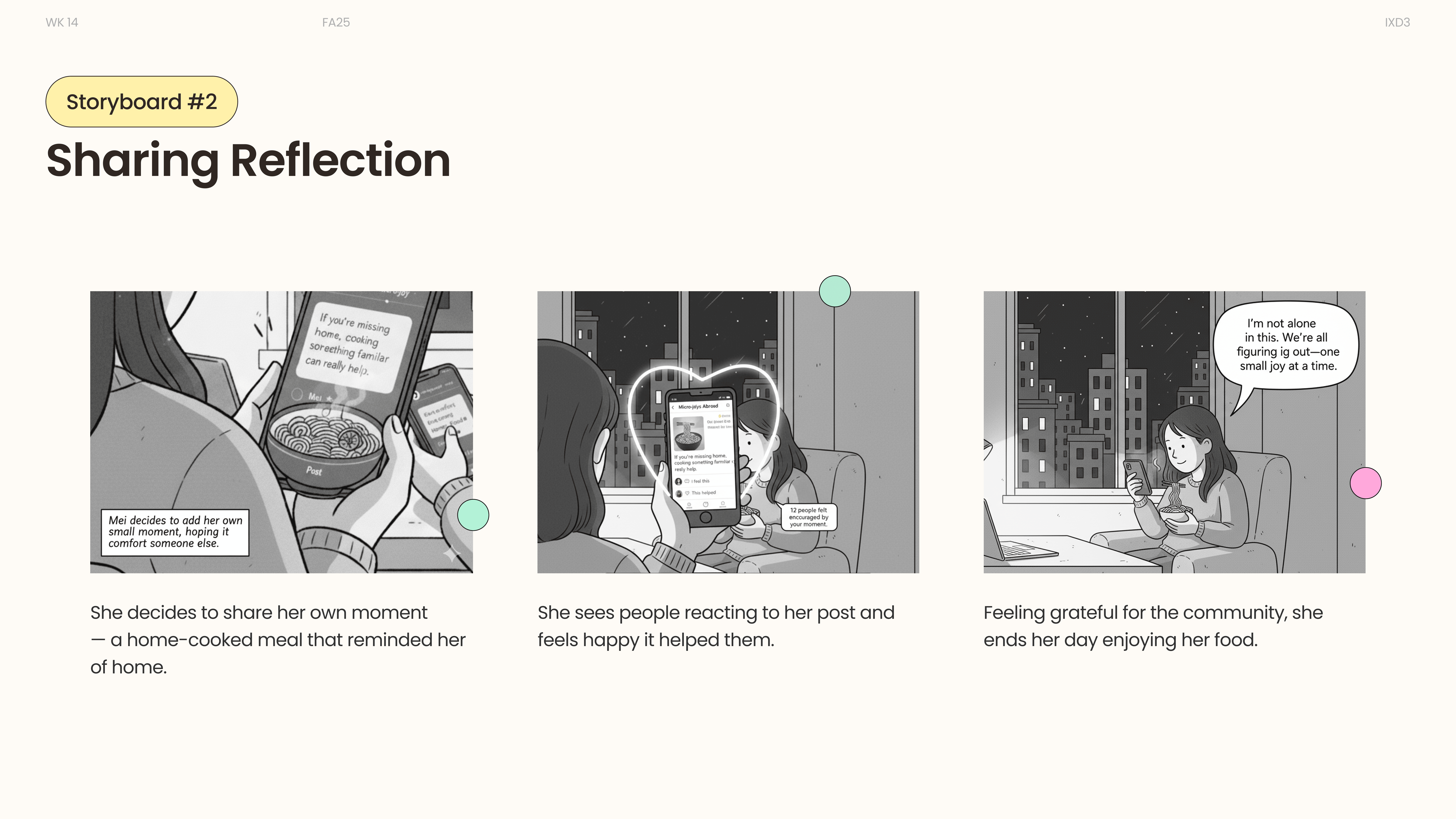
Sharing Reflection
Feeling unsure if others relate to her experience, Mei explores the community space and reads similar reflections. She shares her own moment and finds quiet reassurance through connection.
Research & Insights
User Modeling
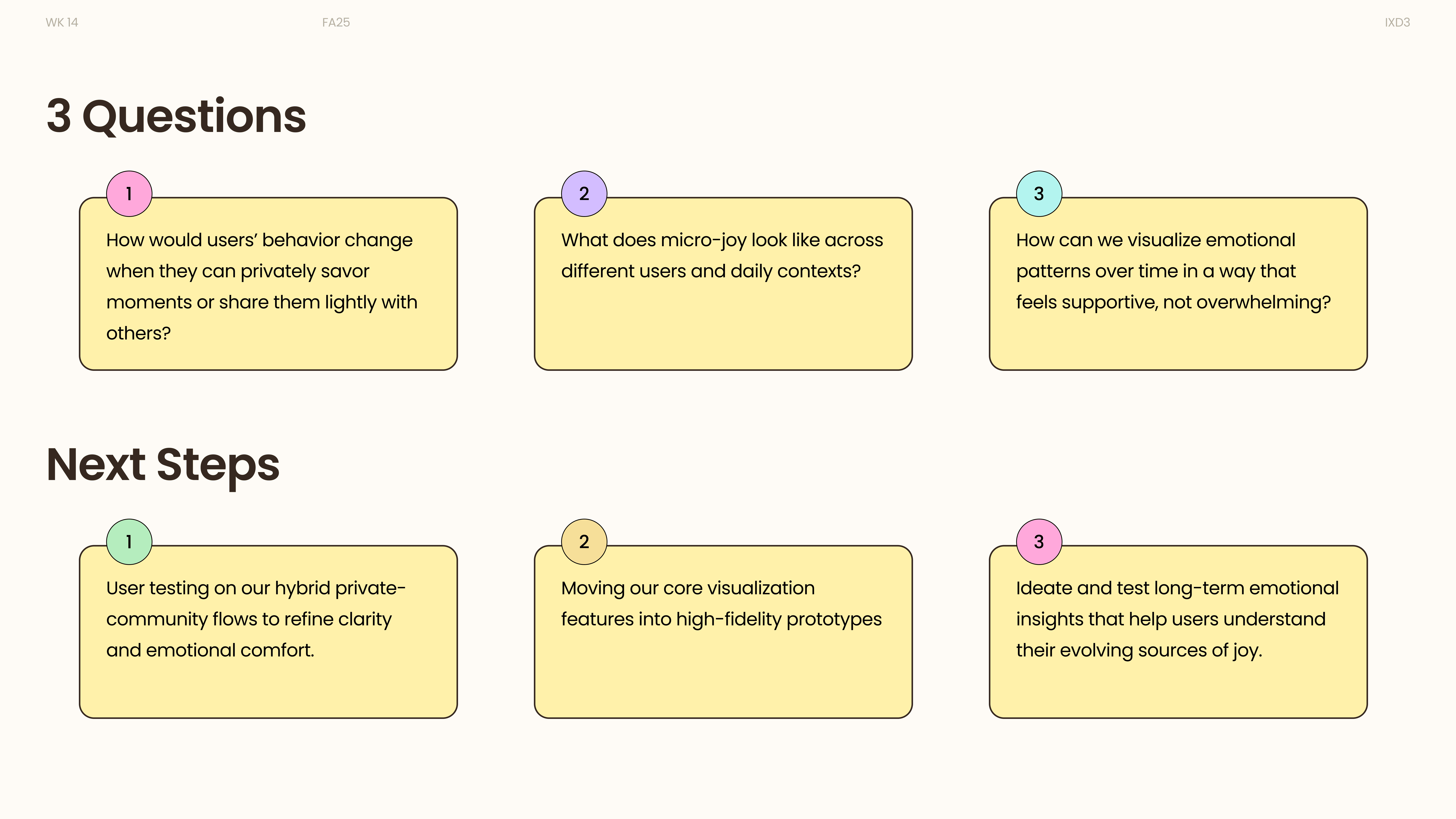
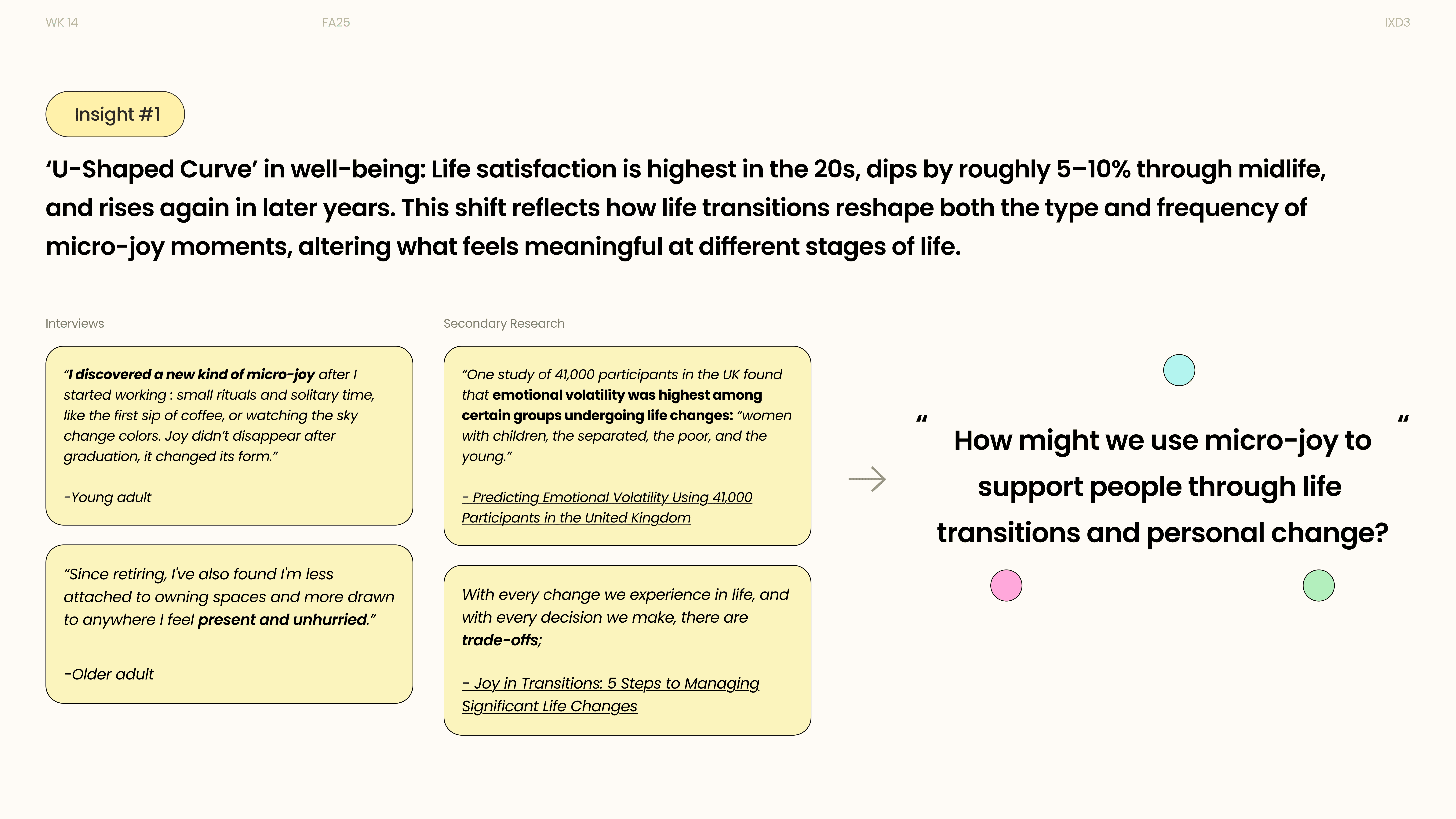
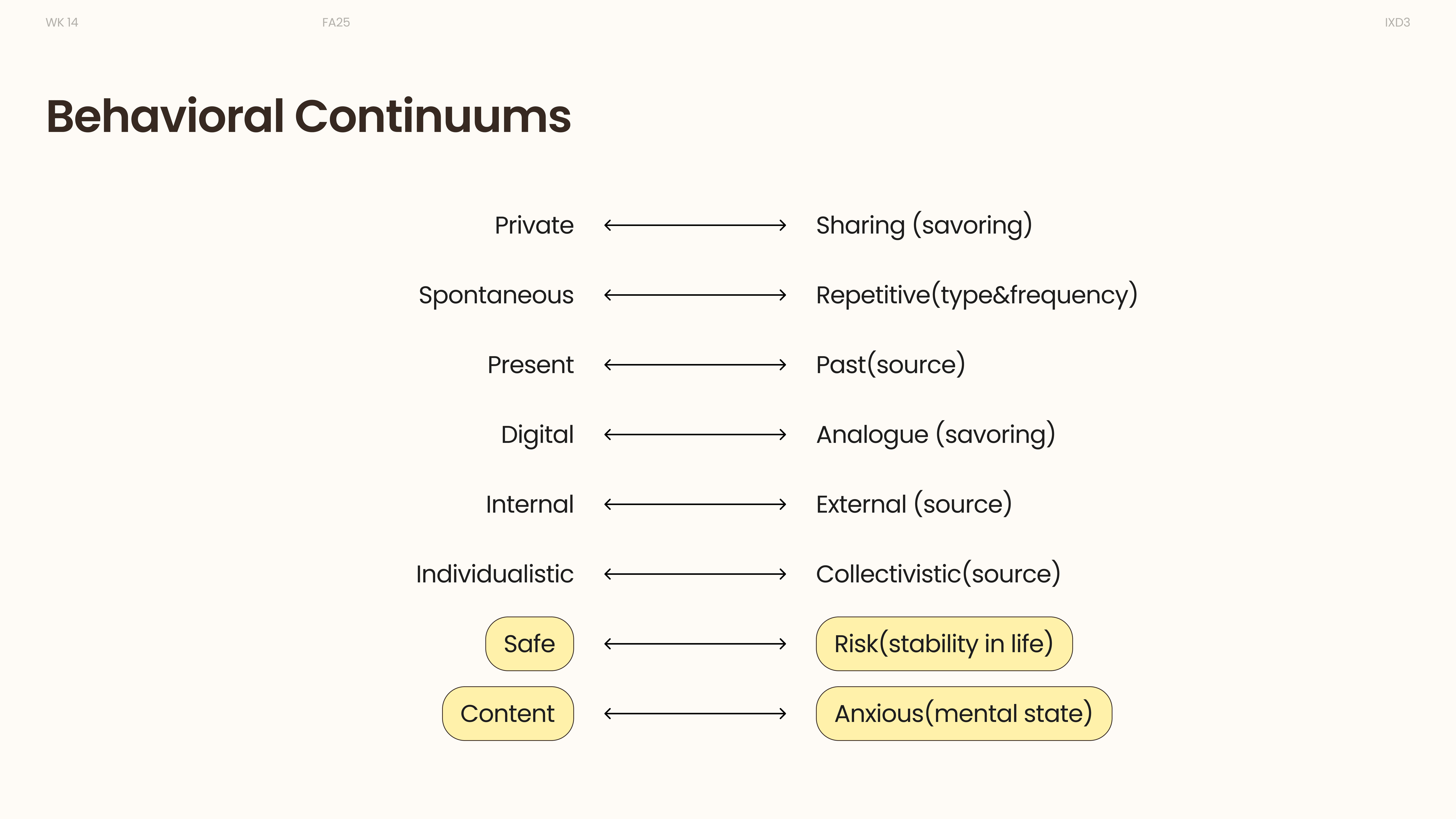
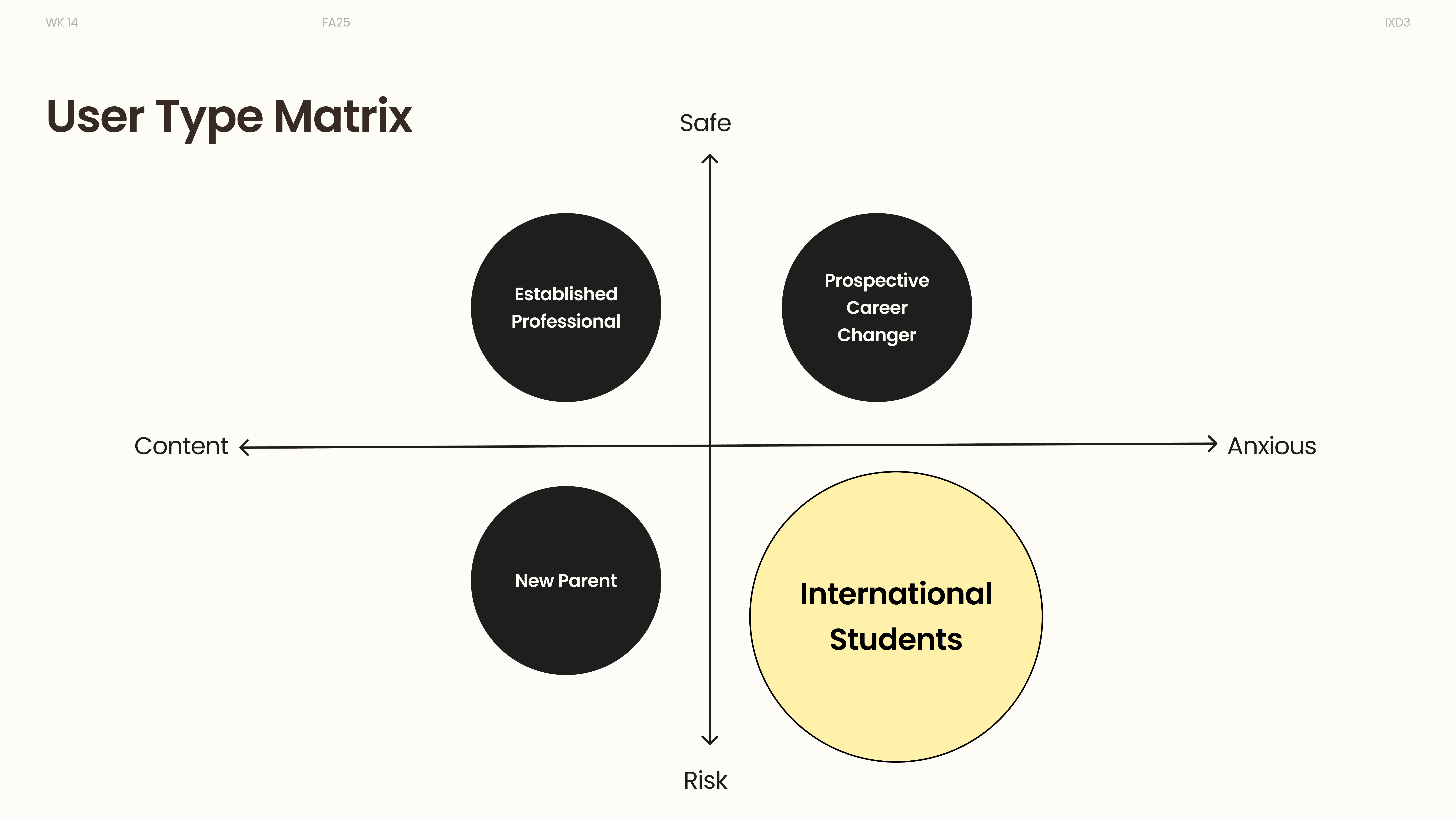
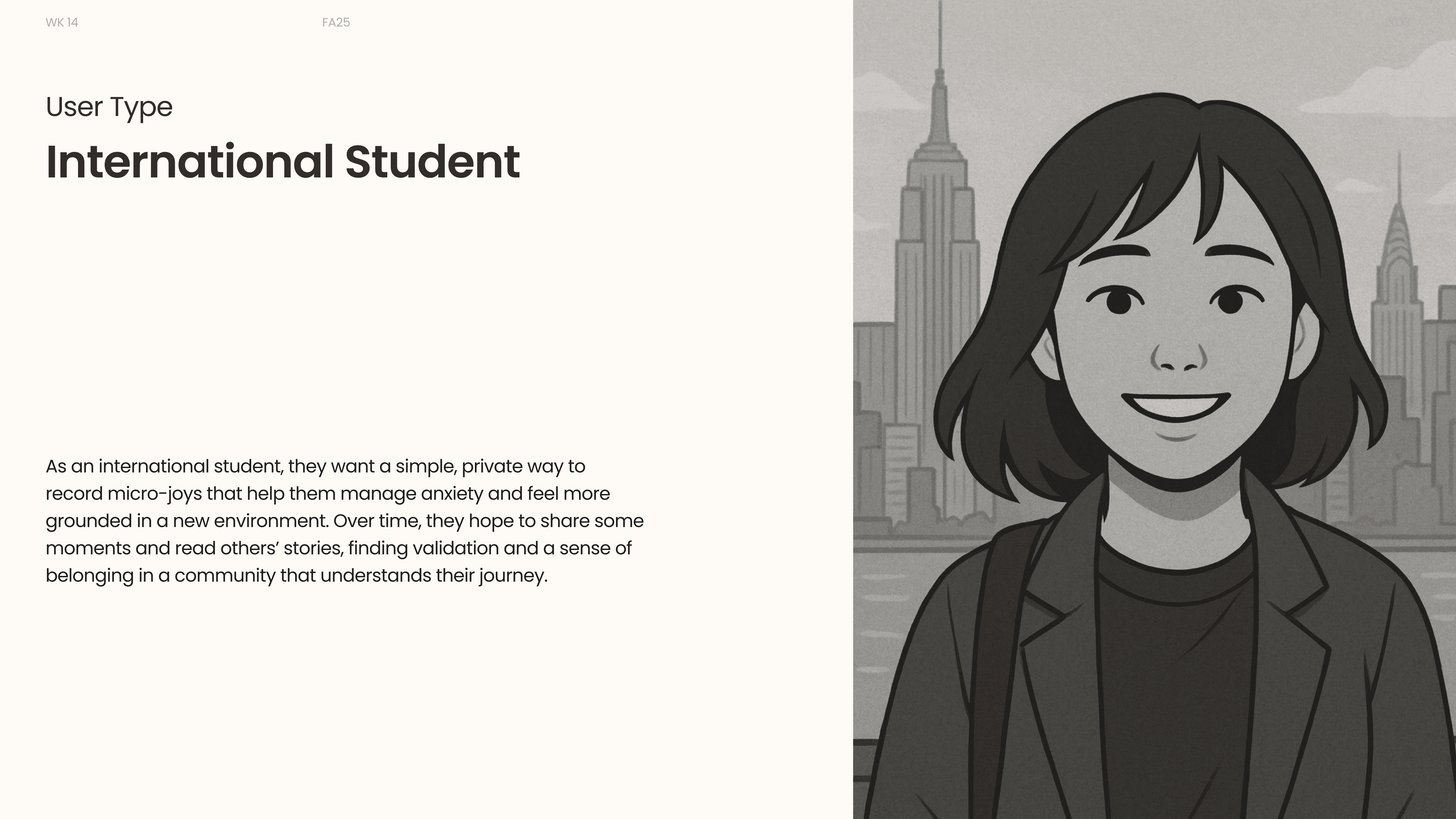
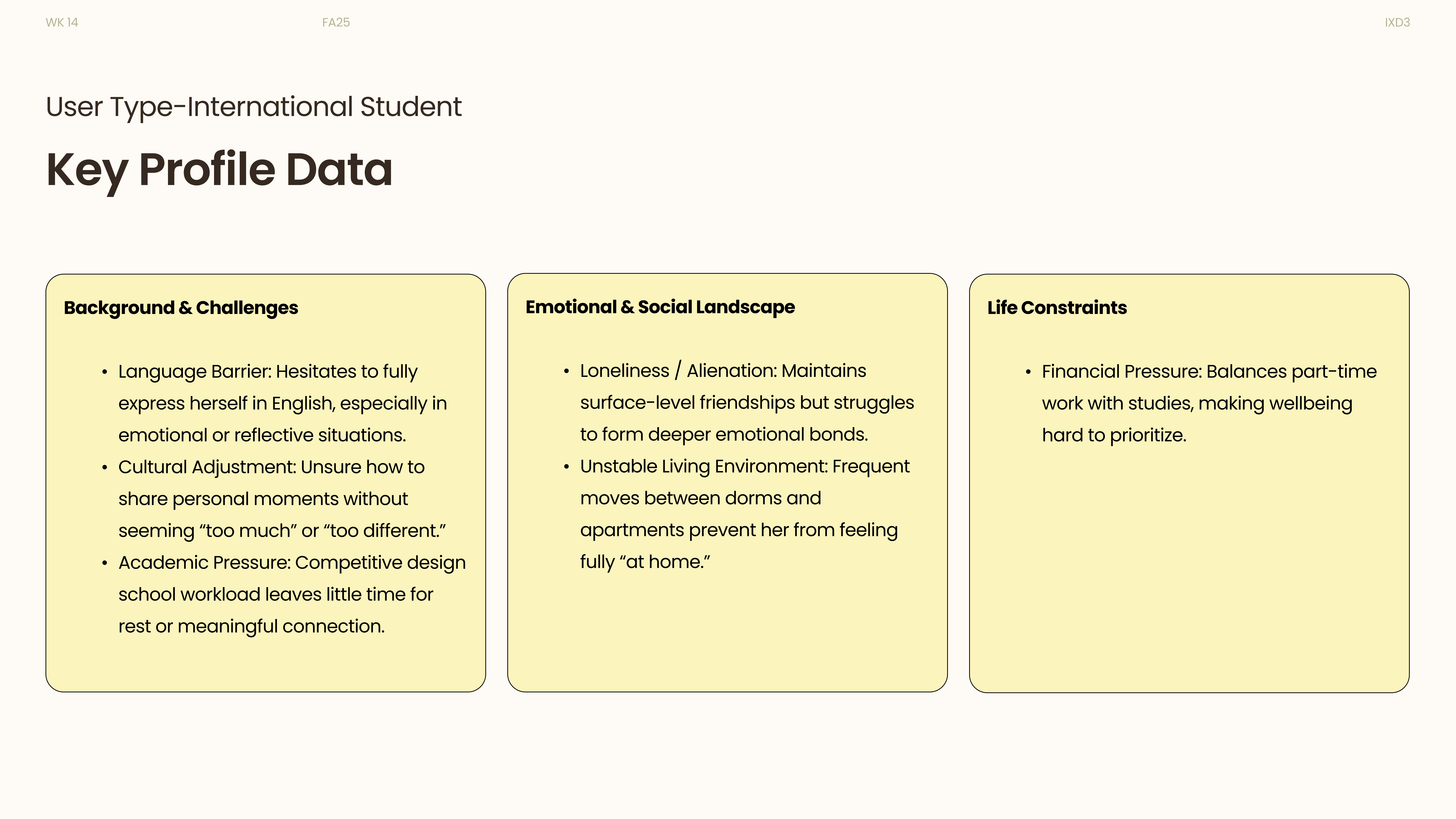
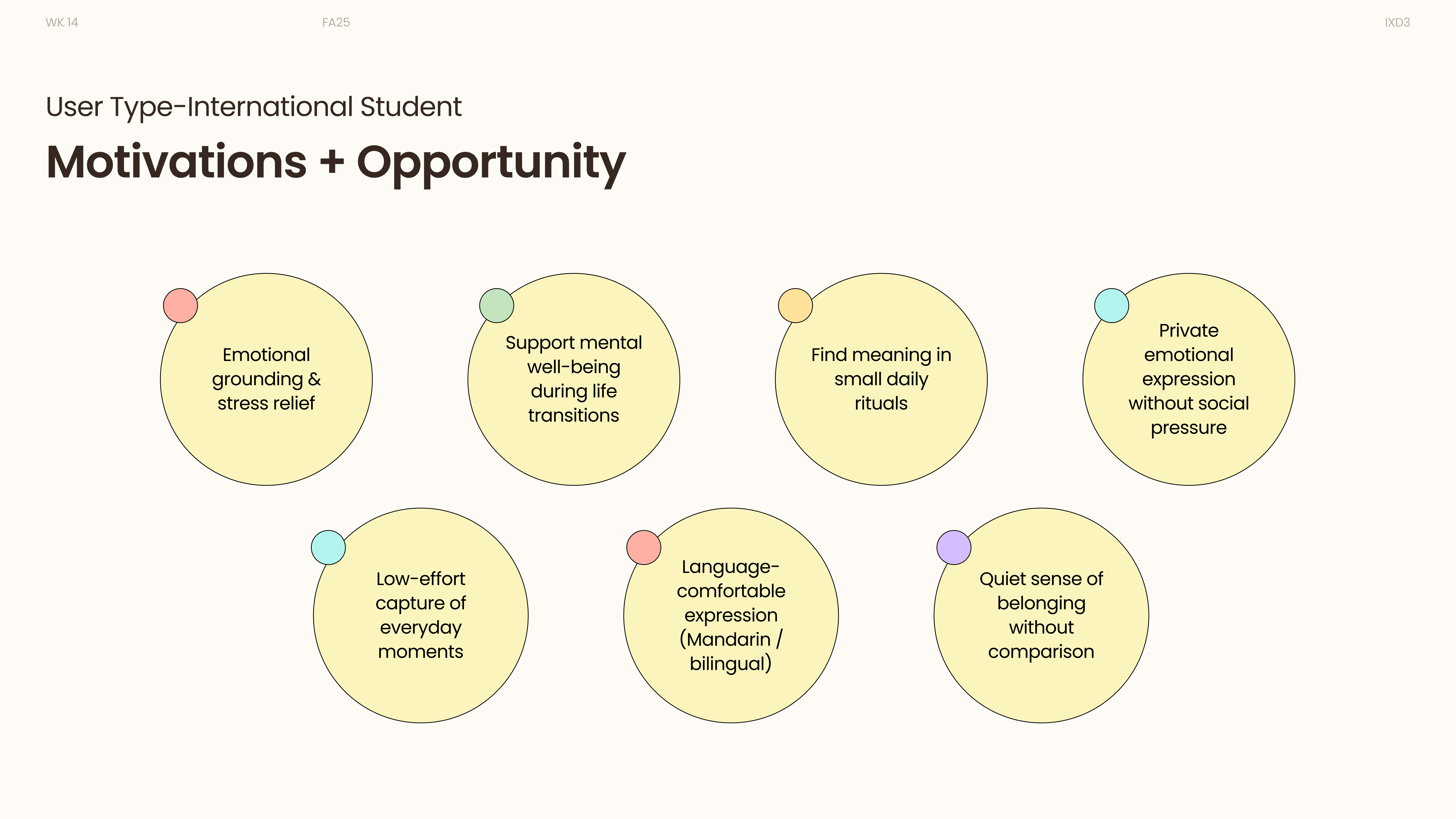
Through behavioral continuums and user type matrices, we mapped patterns of emotional stability and transition, identifying international students as our primary user focus.
Design Exploration
Reflection tasks
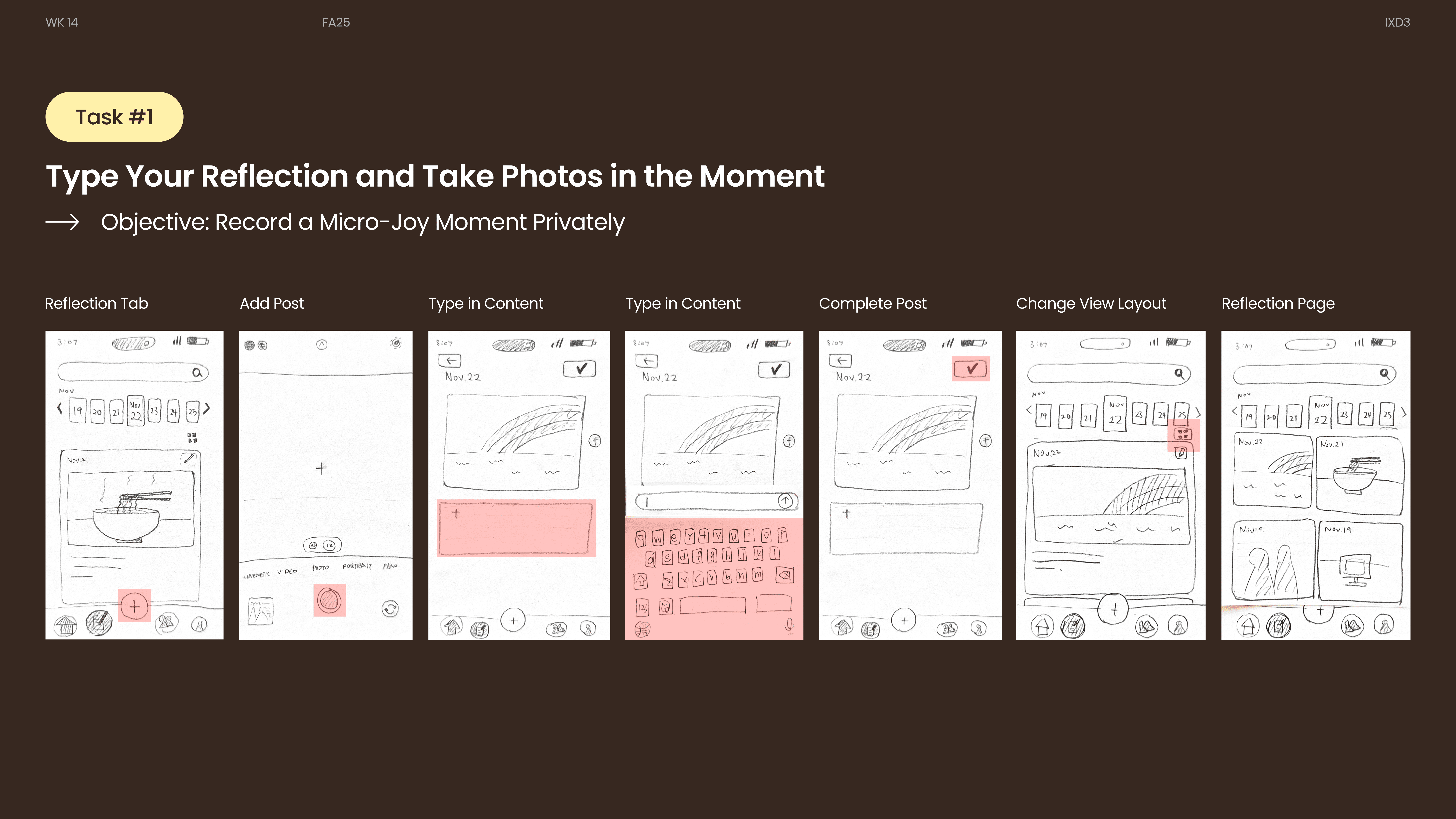
capture a micro-joy moment, add photo, write text, save privately, revisit entries
Sharing tasks
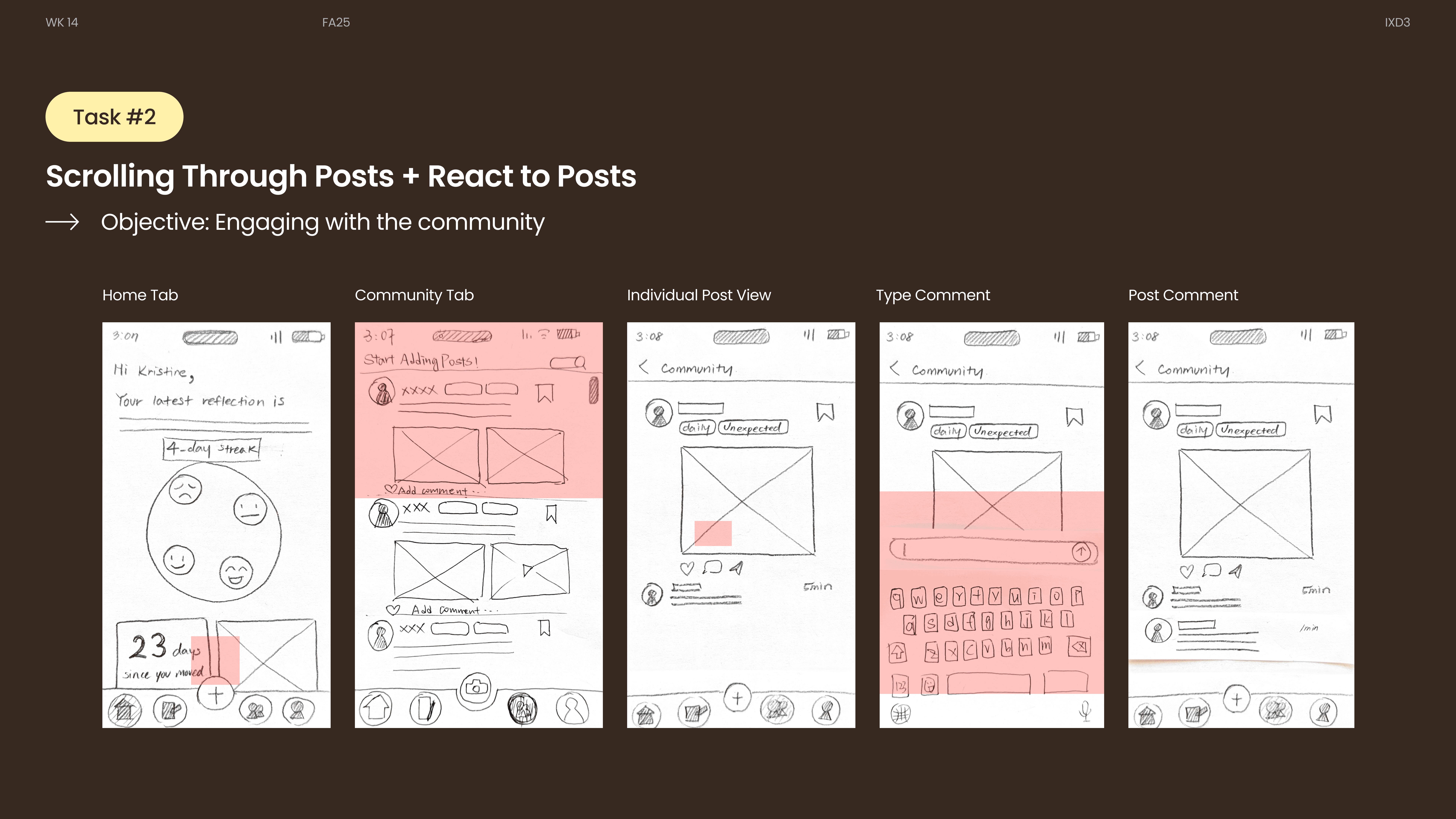
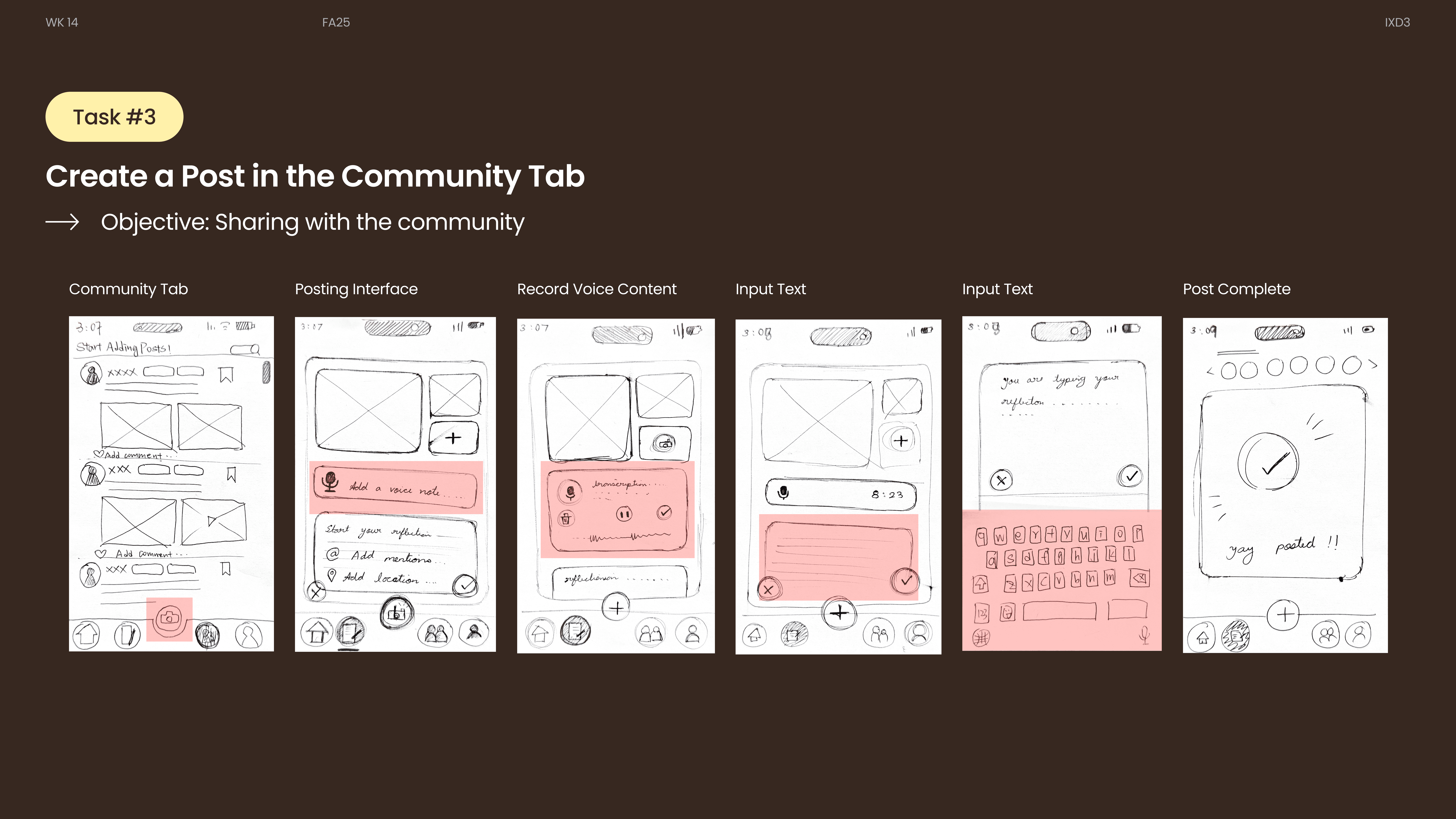
browse community reflections, join conversations, post publicly, respond to others
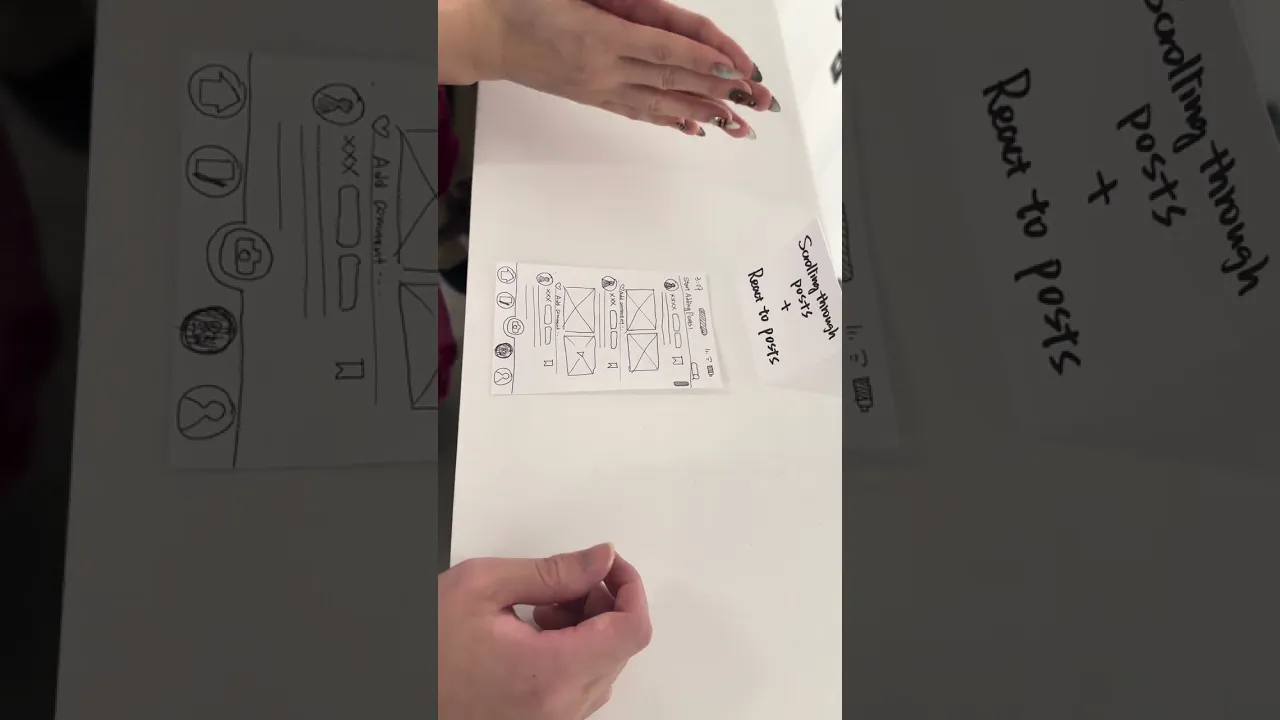
Usability Testing
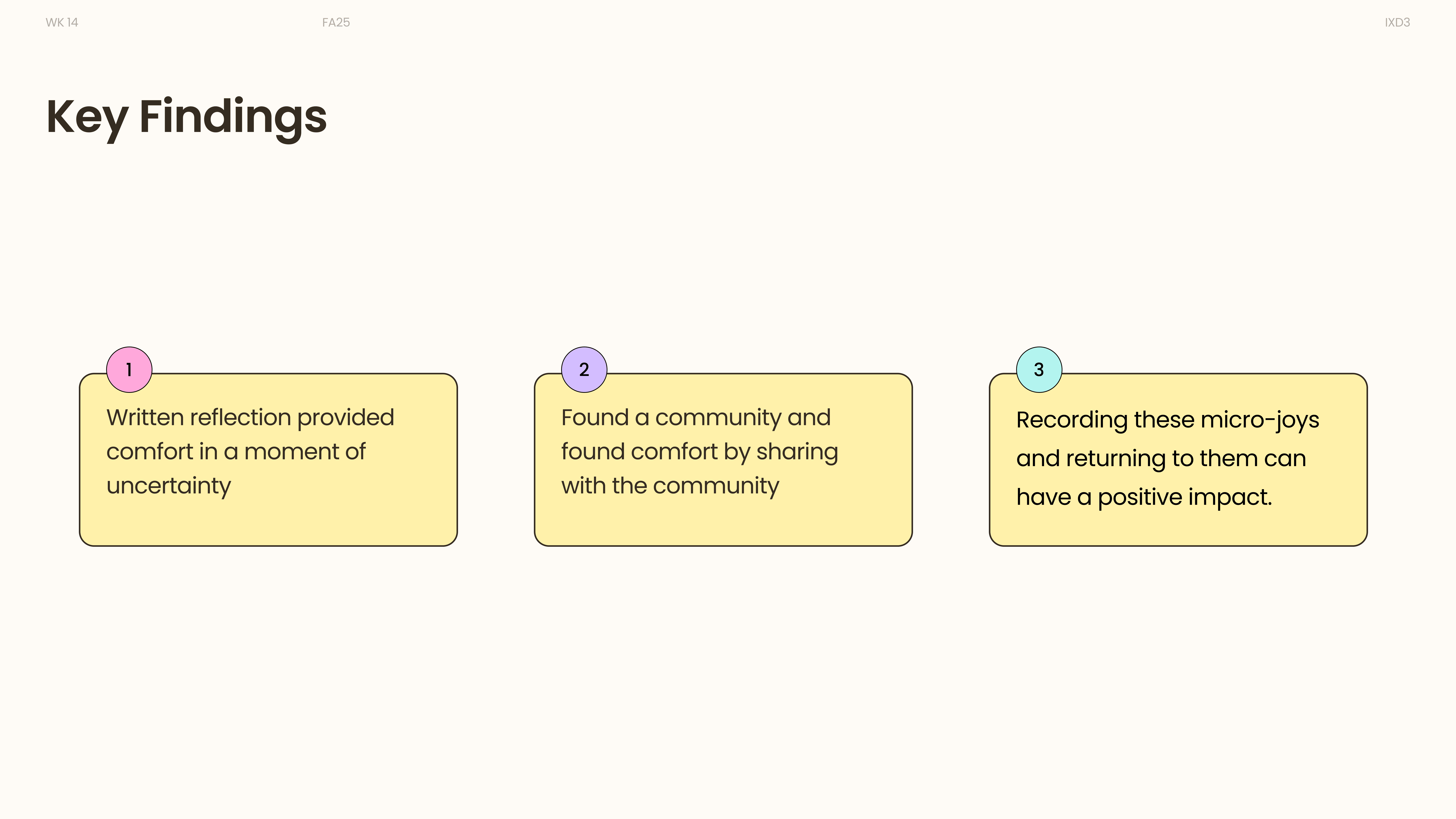
Key findings
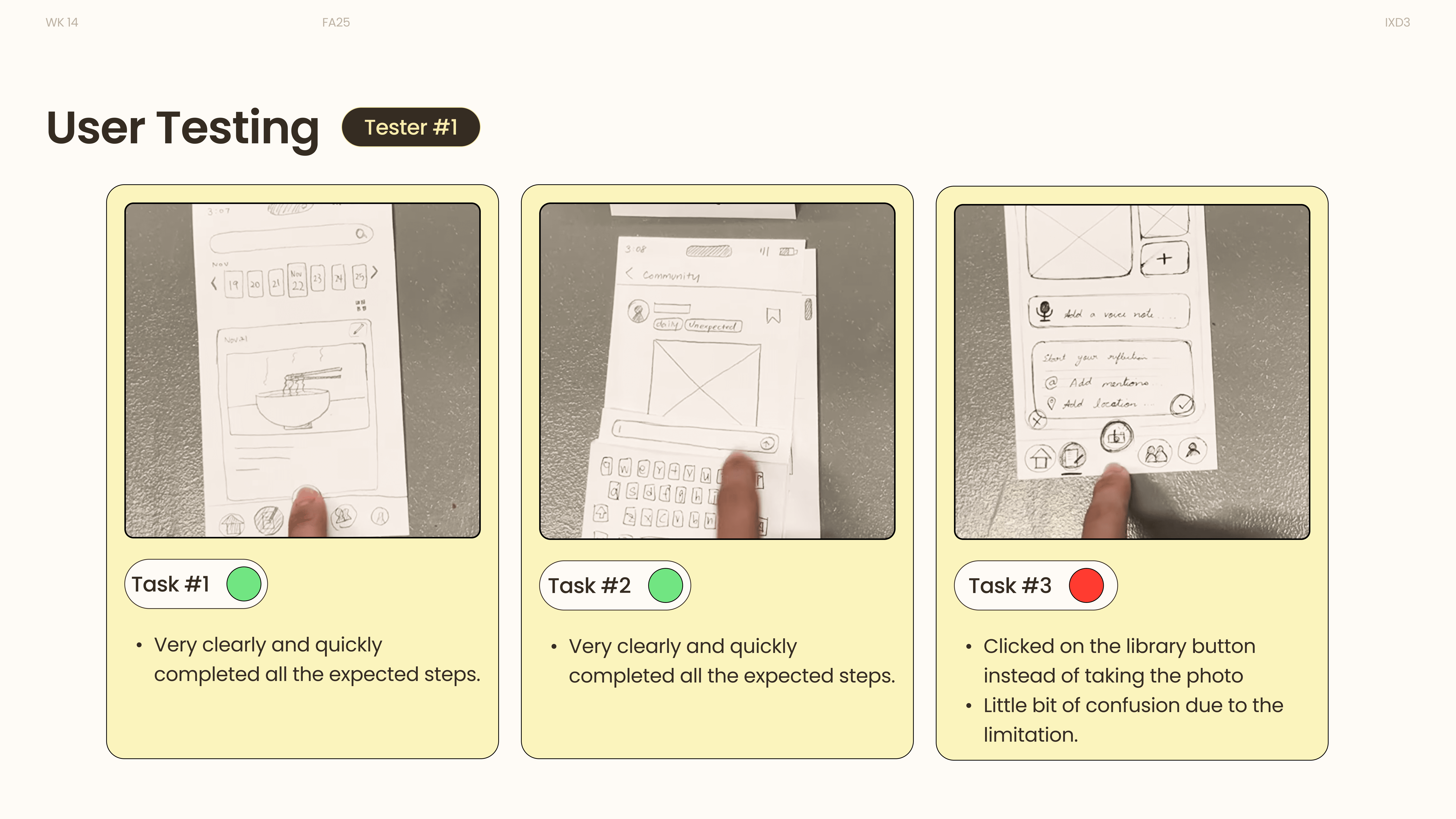
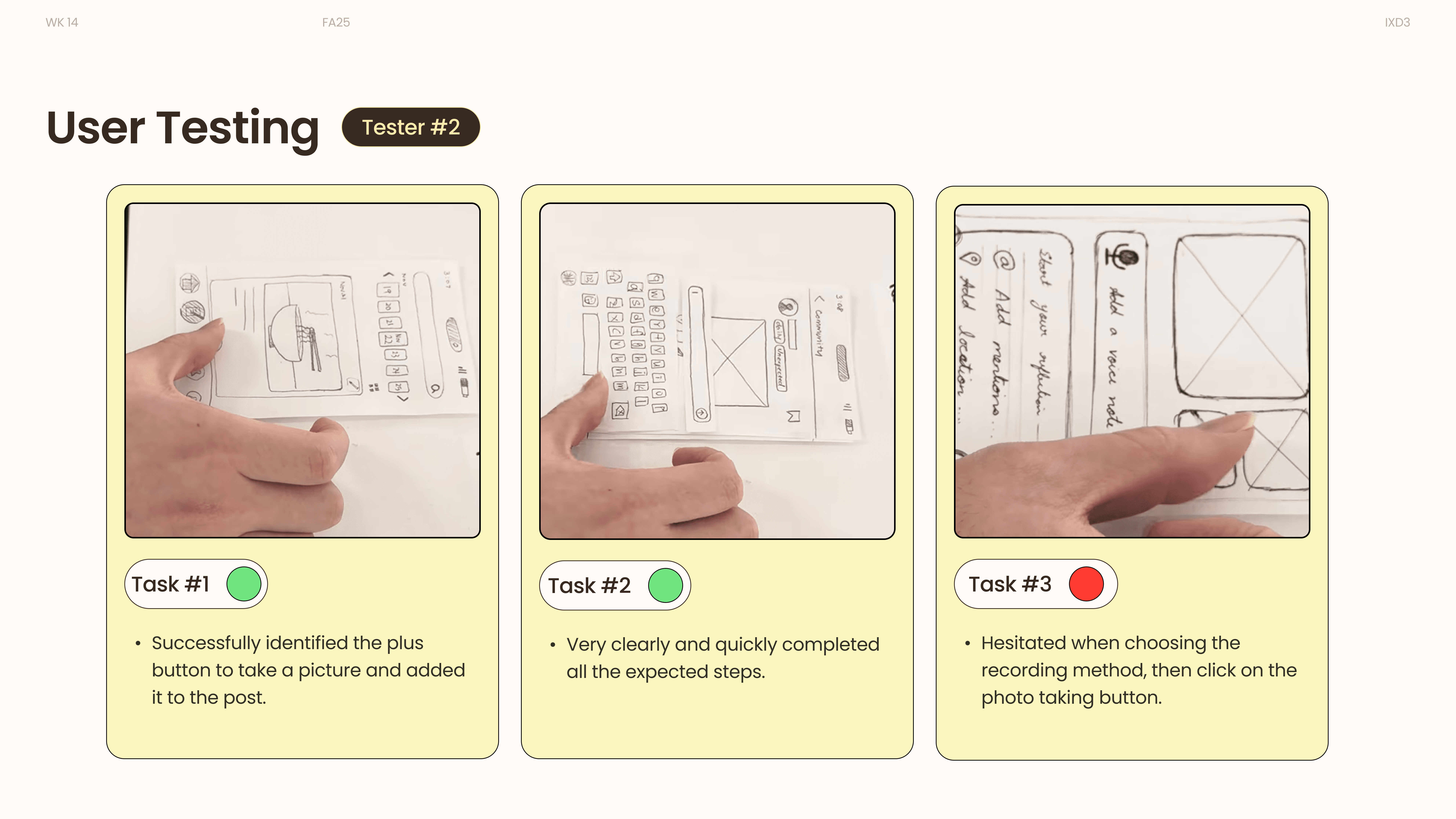
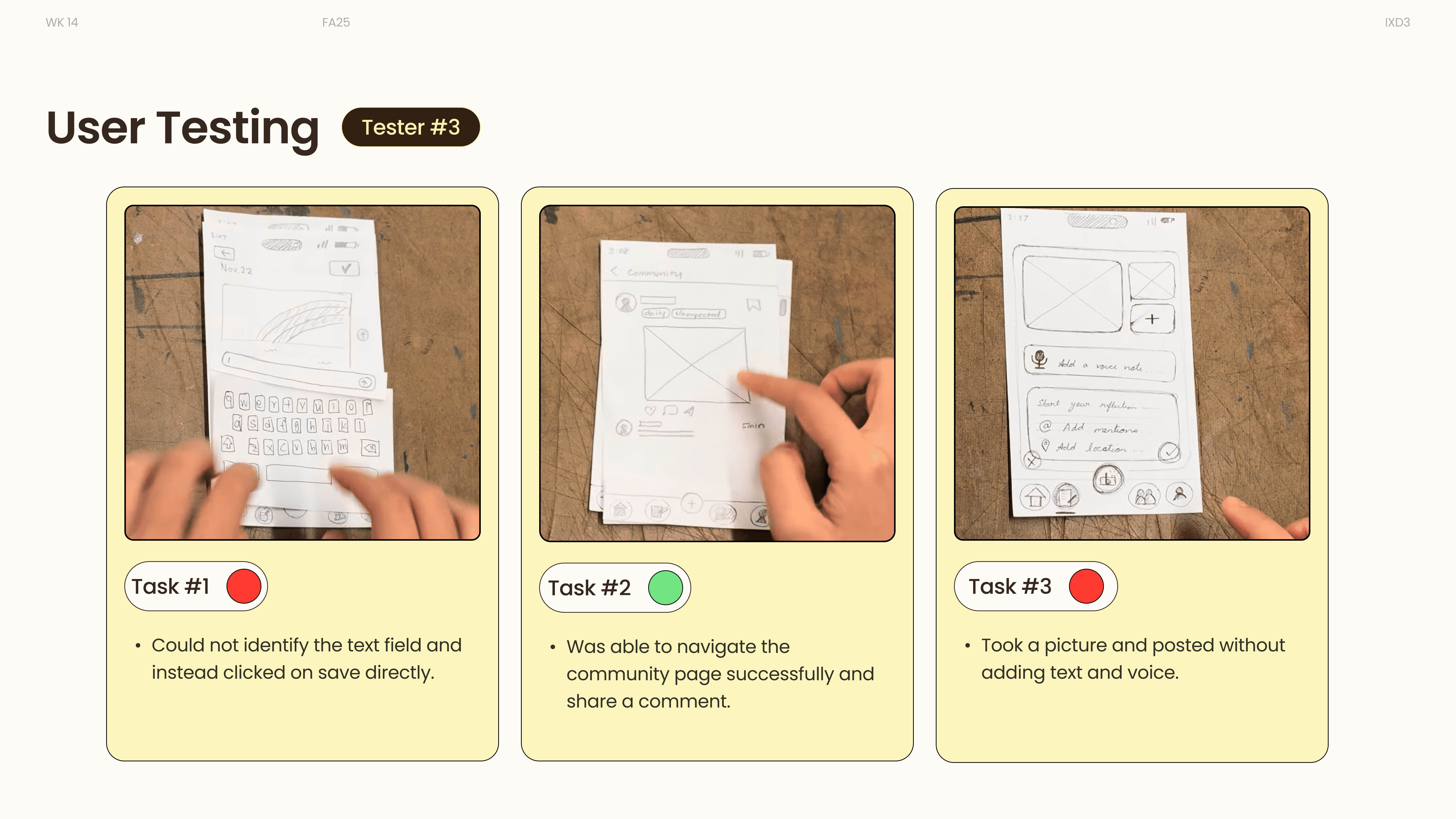
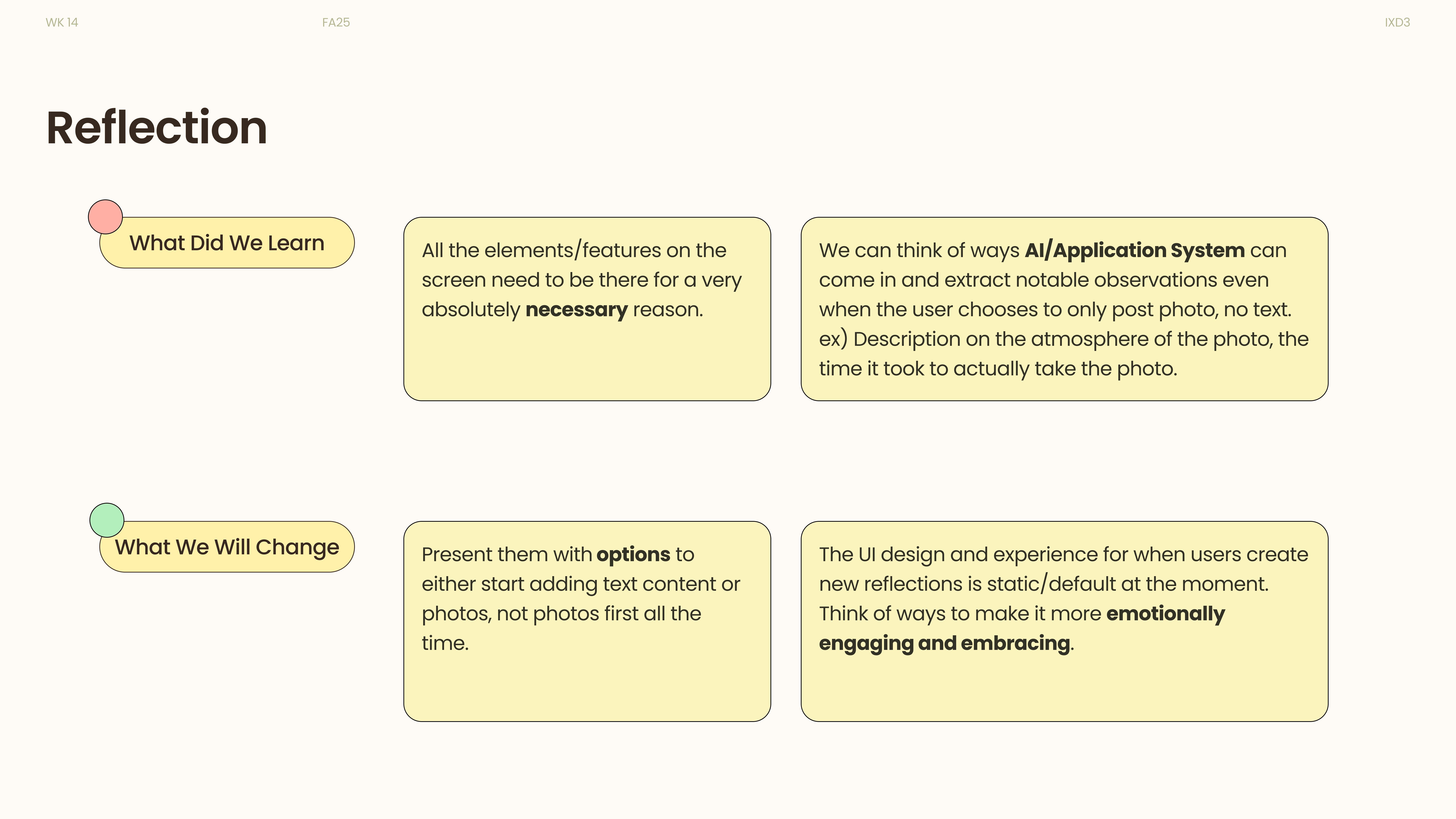
e.g., unclear add-post entry, hesitation in choosing private vs. public, layout view not immediately understood
Observations
Users paused before posting, searched for confirmation feedback, and expected clearer distinction between reflection and community modes.
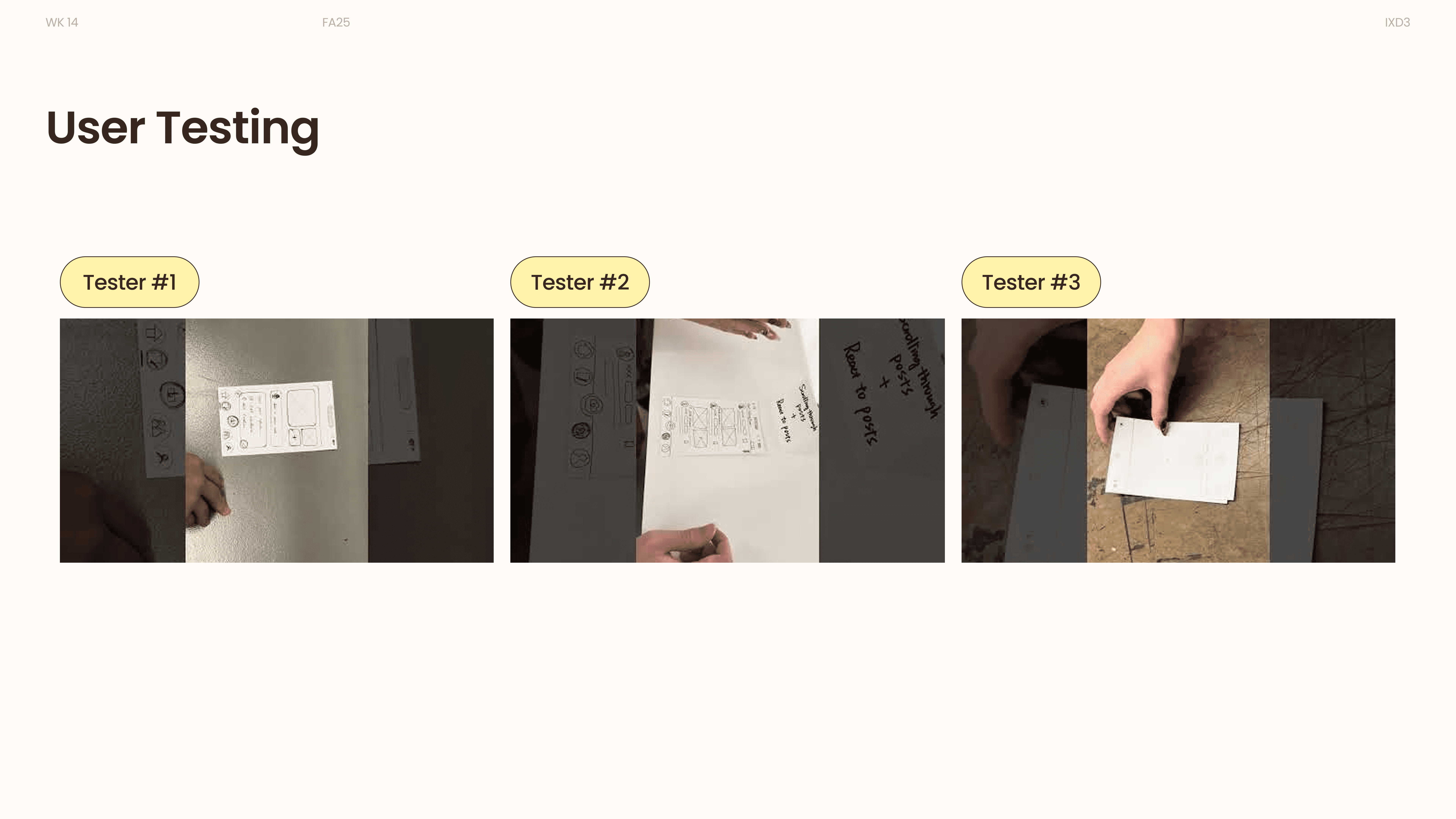
Click here to check the full video collection. These videos capture authentic user reactions during our testing sessions. We later revisited them to identify and document user responses for further analysis.
Visual Language
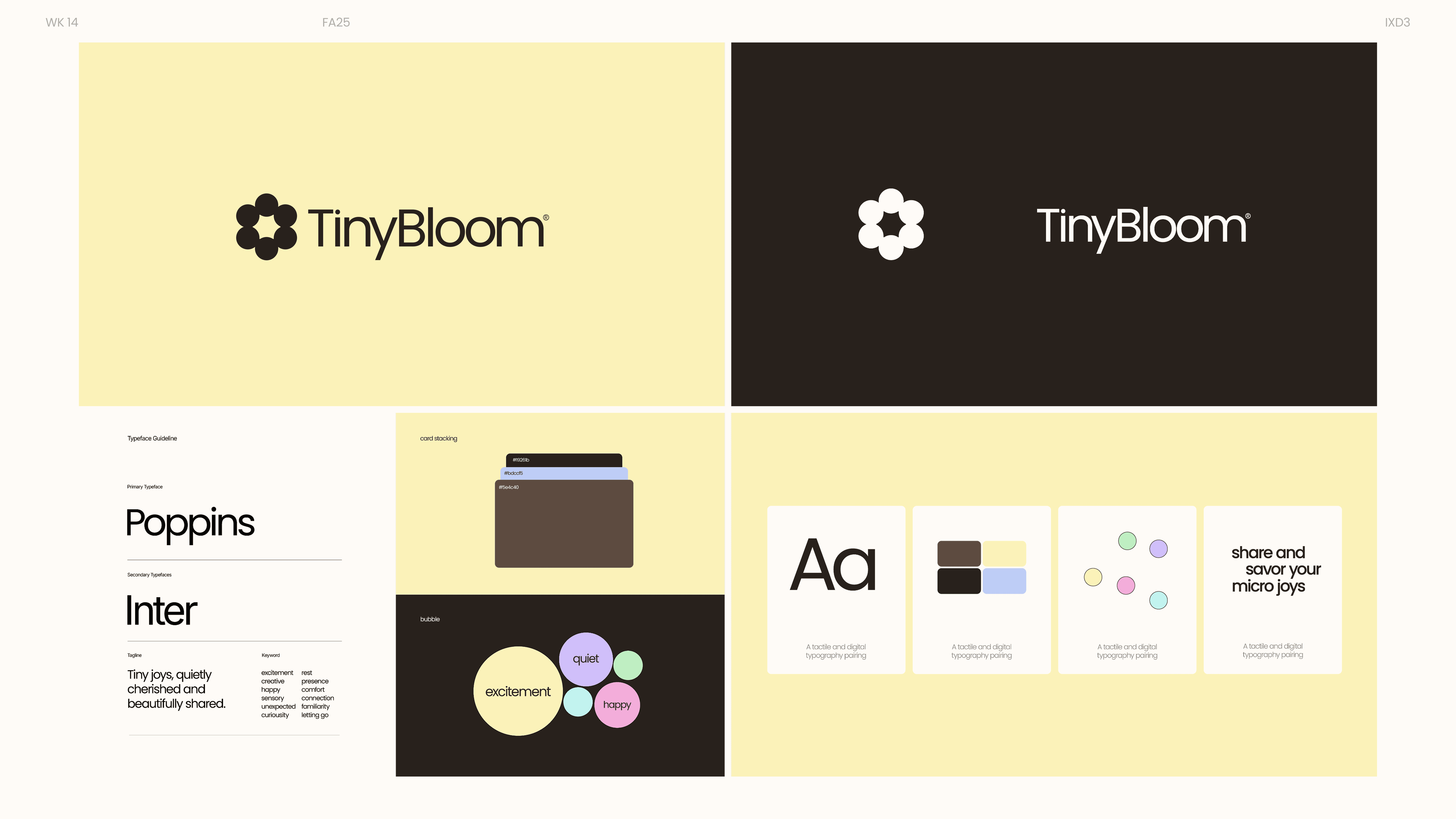
Small circular elements converge to form the bloom, symbolizing growth from everyday micro-moments. The motion remains soft and calm, reinforcing TinyBloom’s reflective and intimate tone.
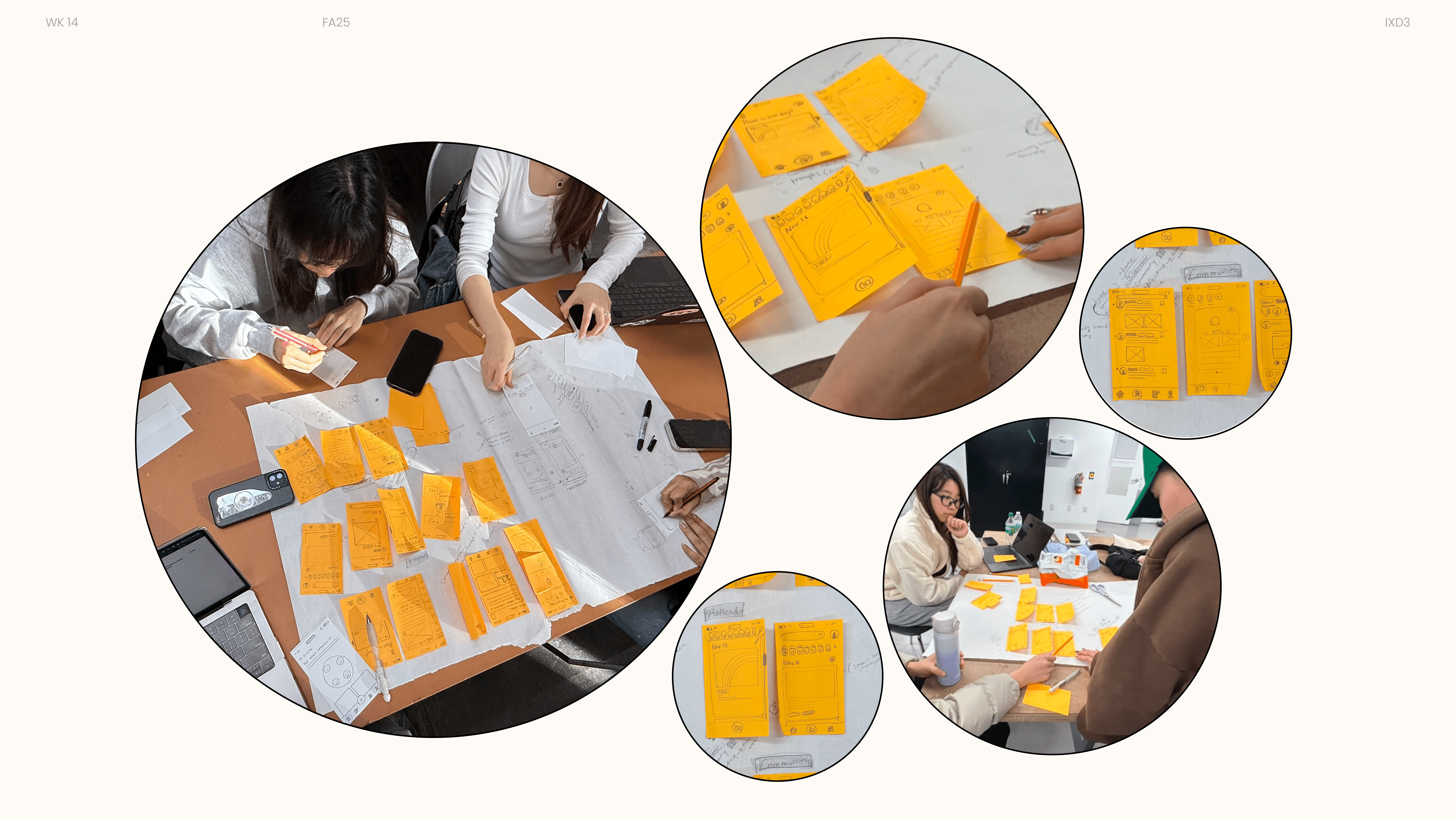
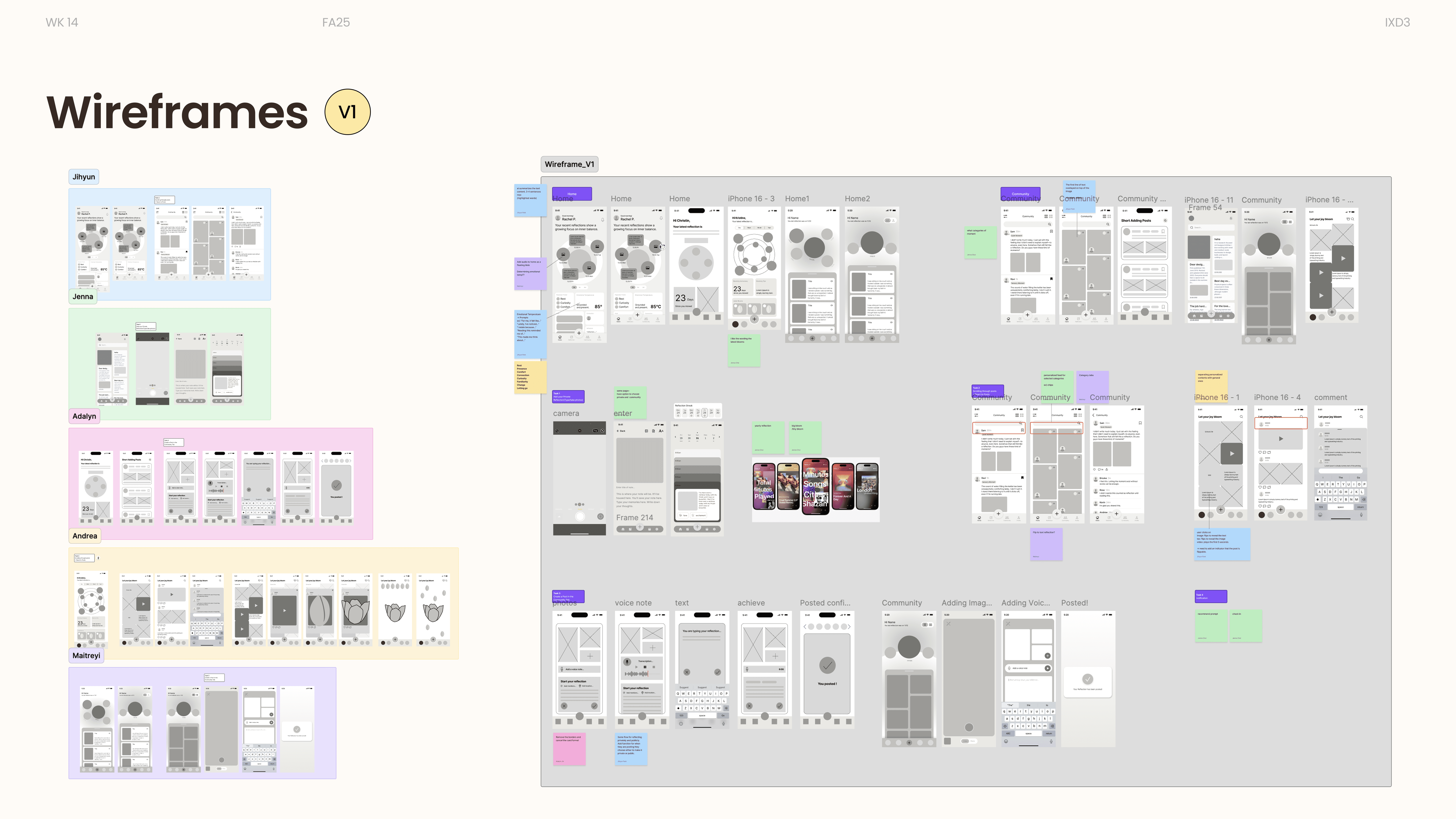
Low-Fidelity Wireframes(Part)
Prototype
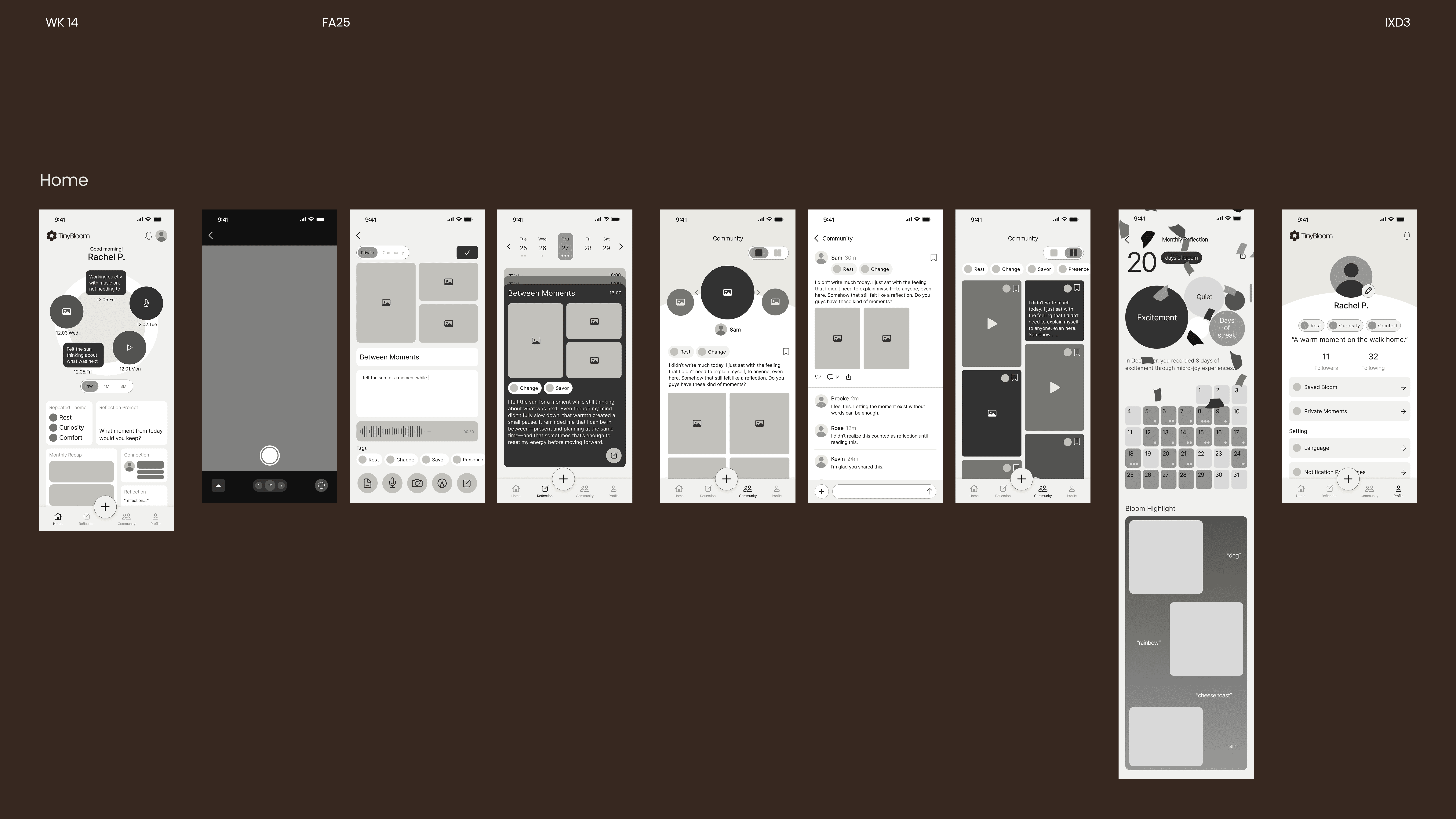
These final screens present the polished visual system of Plant Affection
The Home screen combines reflection, guided prompts, and a summary of a person’s micro-joys. Recent reflections are visualized as a blooming shape, highlighting key words and photos from the week or month.
The reflection experience is designed to feel effortless. From taking a photo, users are guided into a recording page where they can capture micro-joys through audio, writing, or images—then choose to keep the entry private or share it with the community.
The Community space lets people explore others’ micro-joys, react, comment, and save posts. Content is organized by categories and used to personalize each user’s feed. Users can also follow others to keep up with their reflections.
Reflection
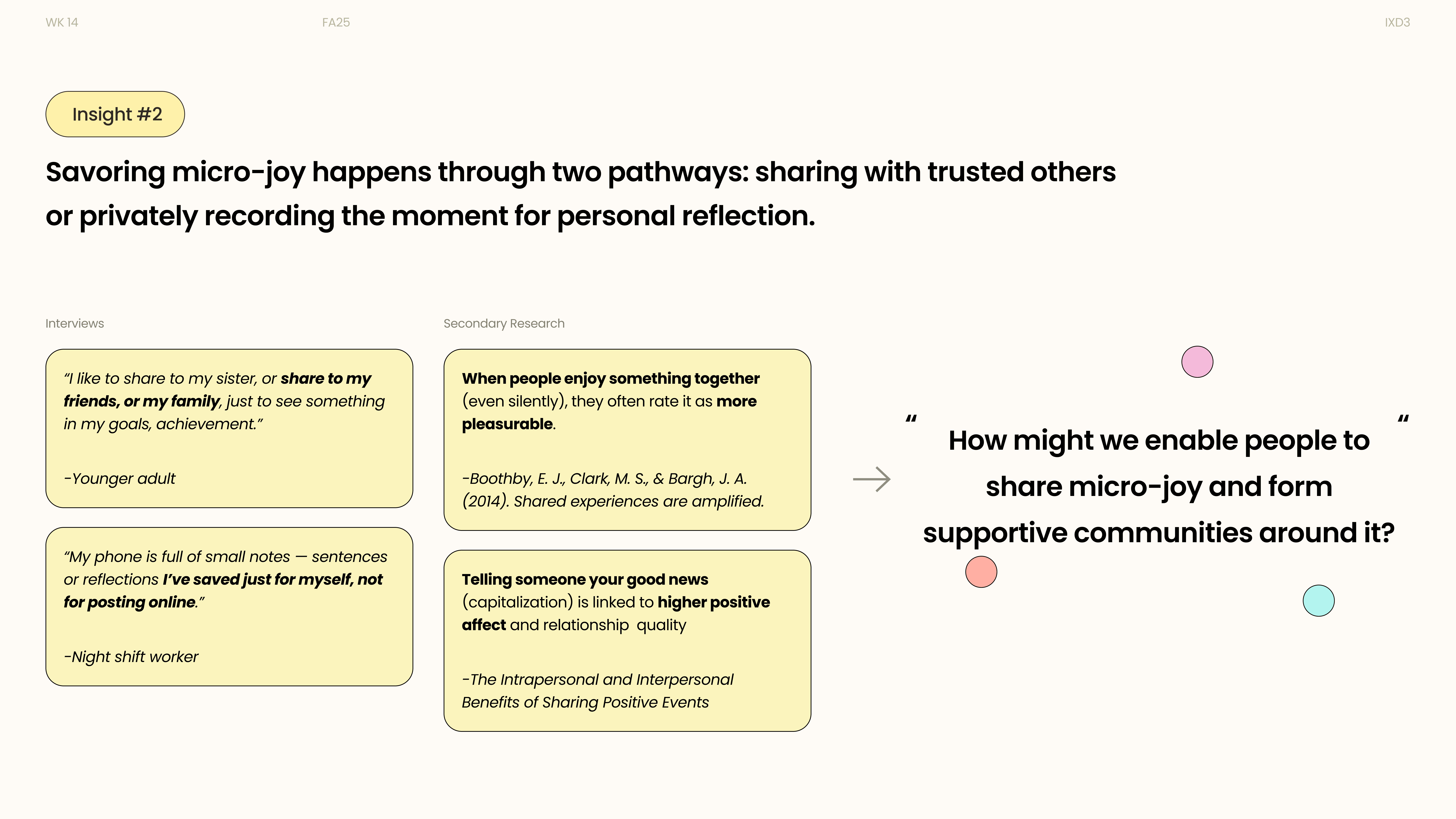
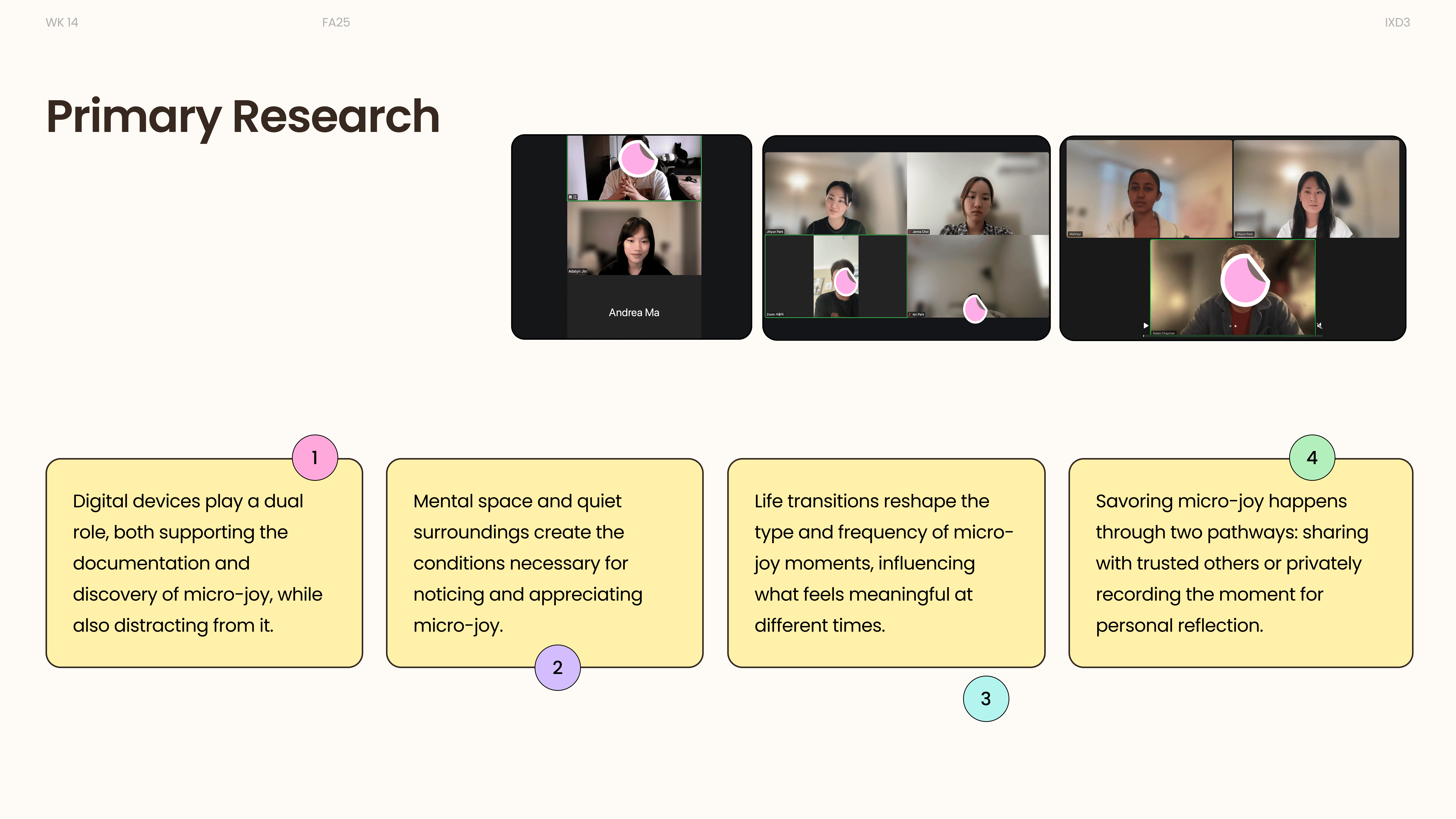
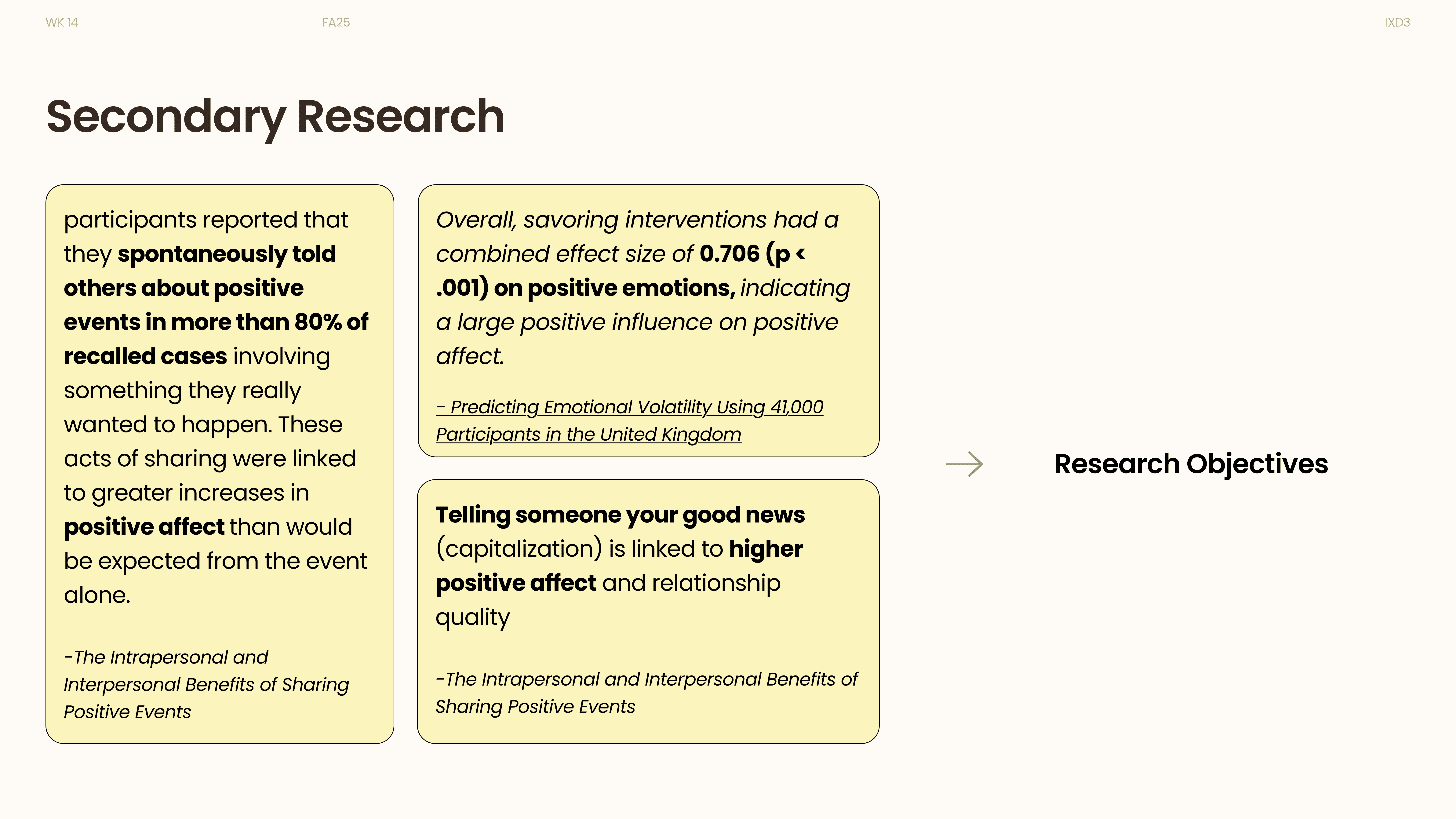
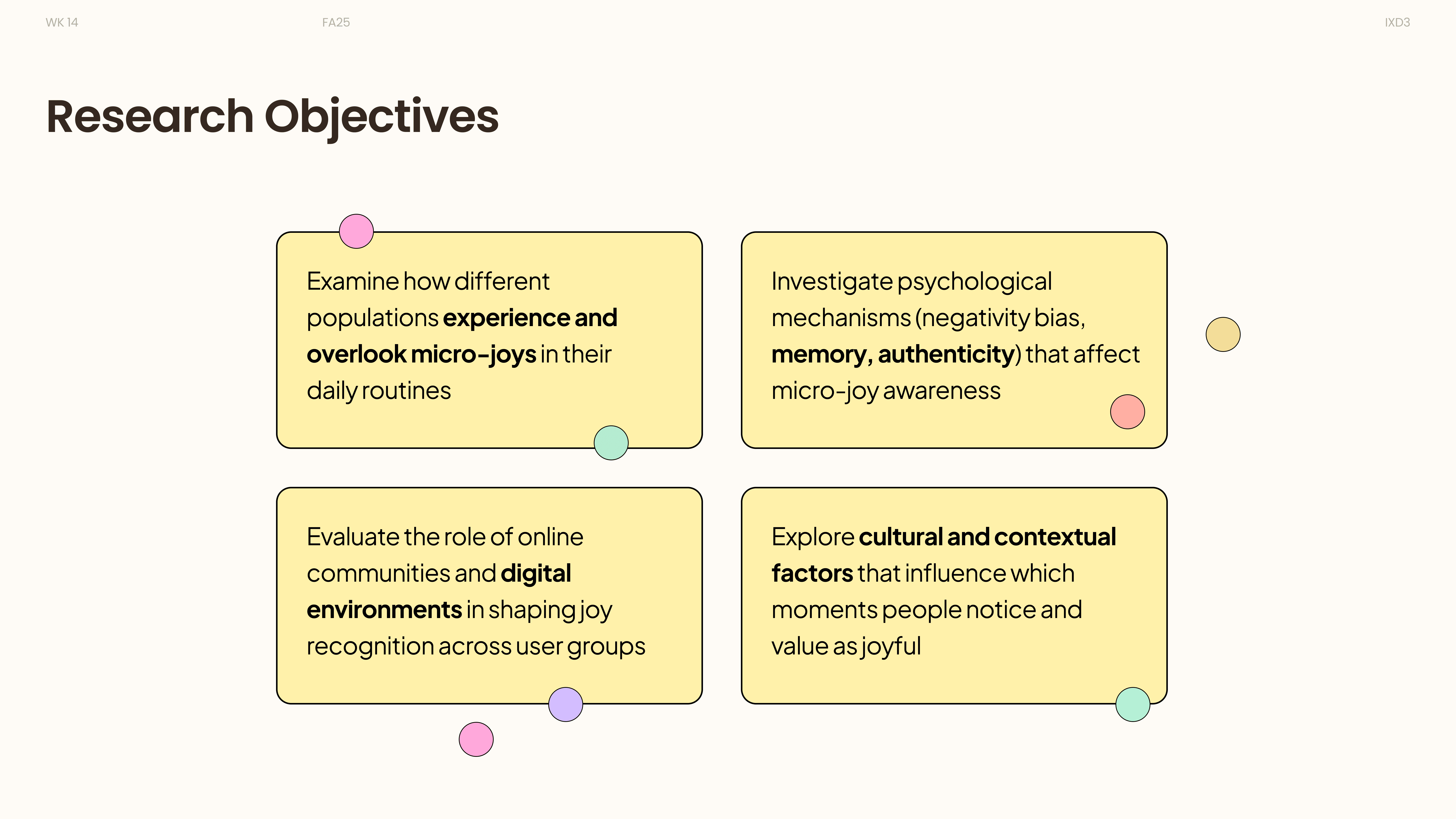
We learned how to conduct both primary research (interviews, observations, user stories) and secondary research (literature on emotional well-being and reflective practices), and how to combine them to shape a clear design direction.
This process taught us the importance of balancing real user experiences with existing knowledge, allowing us to turn subtle emotional insights into actionable design decisions.
Future Improvements