
TinyBloom
Interaction Design 3 · ArtCenter College of Design
Project overview
Project Overview
TinyBloom helps people capture and revisit small moments of micro-joy. Private journaling and optional community sharing create a gentle space to notice, save, and return to everyday positive experiences.
Problem
Small positive moments are easily overlooked or forgotten. Journaling can feel like a commitment, while social platforms add pressure to perform—leaving little room for quiet reflection.
Solution
A calm space to record micro-joys through short reflections and photos, choose between private savoring and gentle sharing, and revisit the patterns that emerge over time.
Target Audience
Young adults and students navigating busy, transitional phases of life who want an accessible way to reconnect with positive daily experiences, without the pressure of public performance.
Context & Storyboard
Micro-joy is not extraordinary. It is small, ordinary, and fleeting. But when noticed and revisited, it becomes grounding, comforting, and quietly powerful.
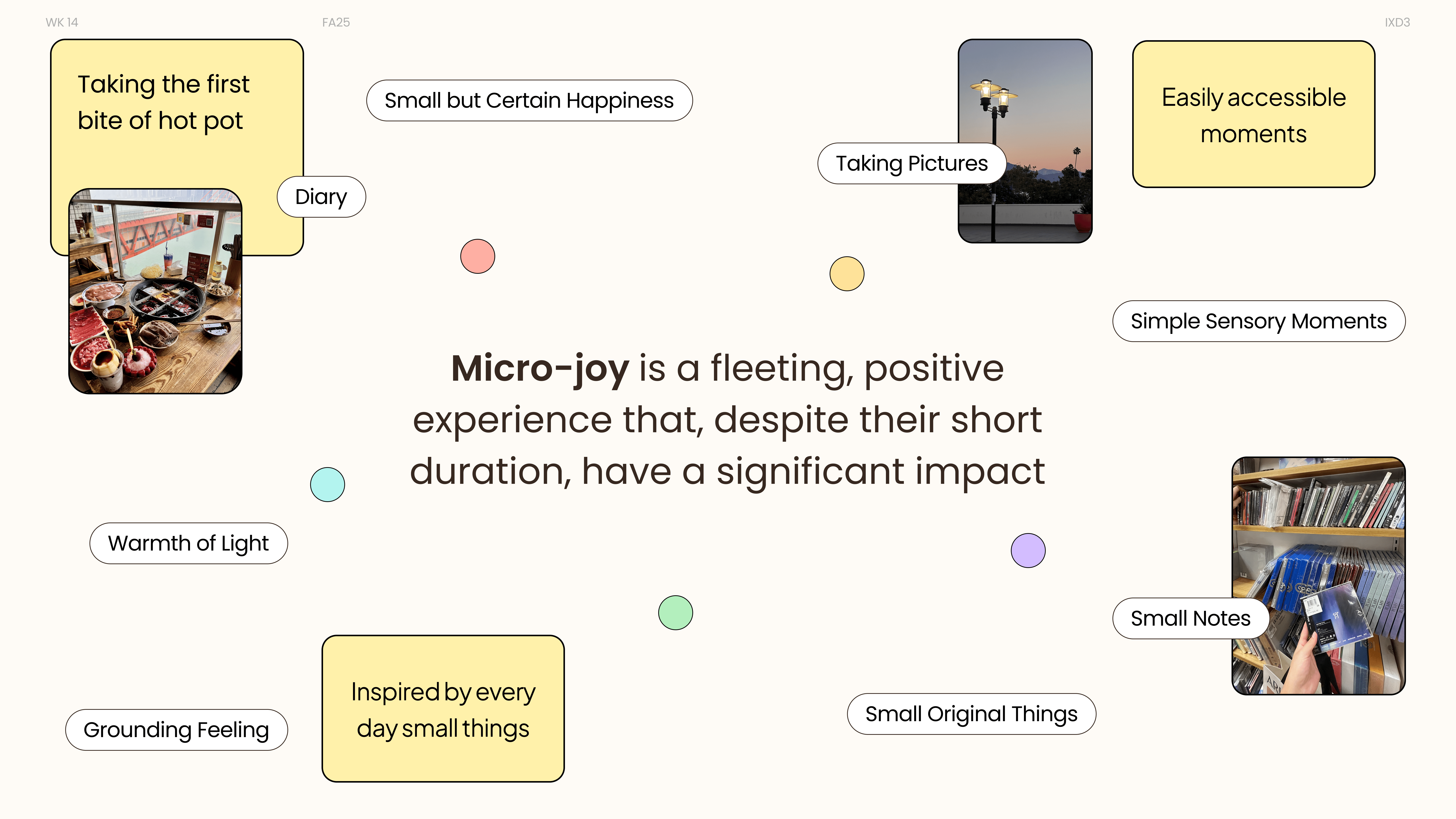
How might we create hybrid spaces where people can both share and privately savor their micro-joys, helping them document and visualize how their sources of joy evolve and transform over time?
Meet Mei
An international student navigating a new environment, a busy schedule, and moments of uncertainty.

Private Reflection
After a long and overwhelming day, Mei records a small moment of warmth in TinyBloom to ground herself. Revisiting the entry later helps her regain a sense of calm and emotional clarity.
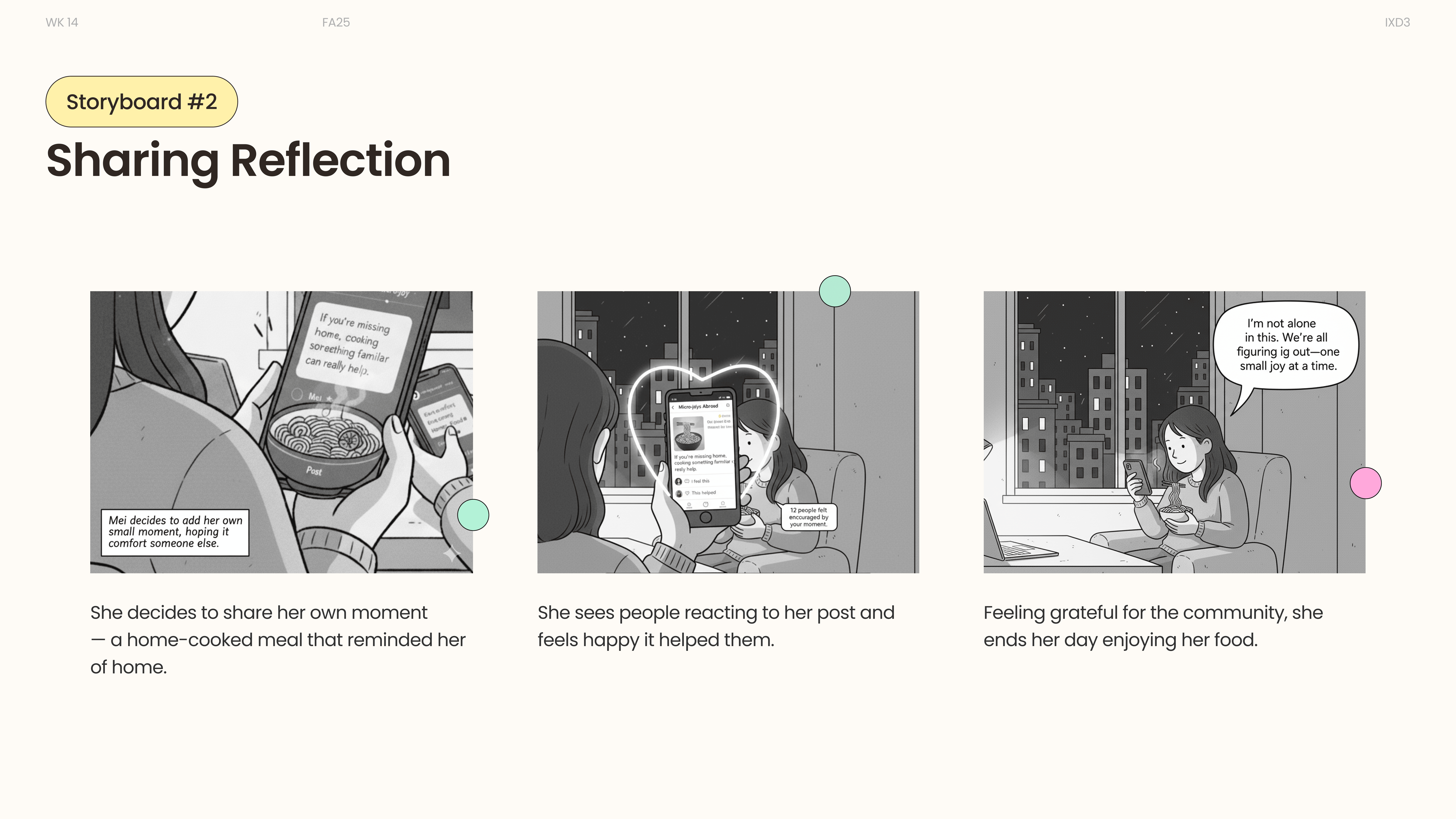
Sharing Reflection
Feeling unsure if others relate to her experience, Mei explores the community space and reads similar reflections. She shares her own moment and finds quiet reassurance through connection.
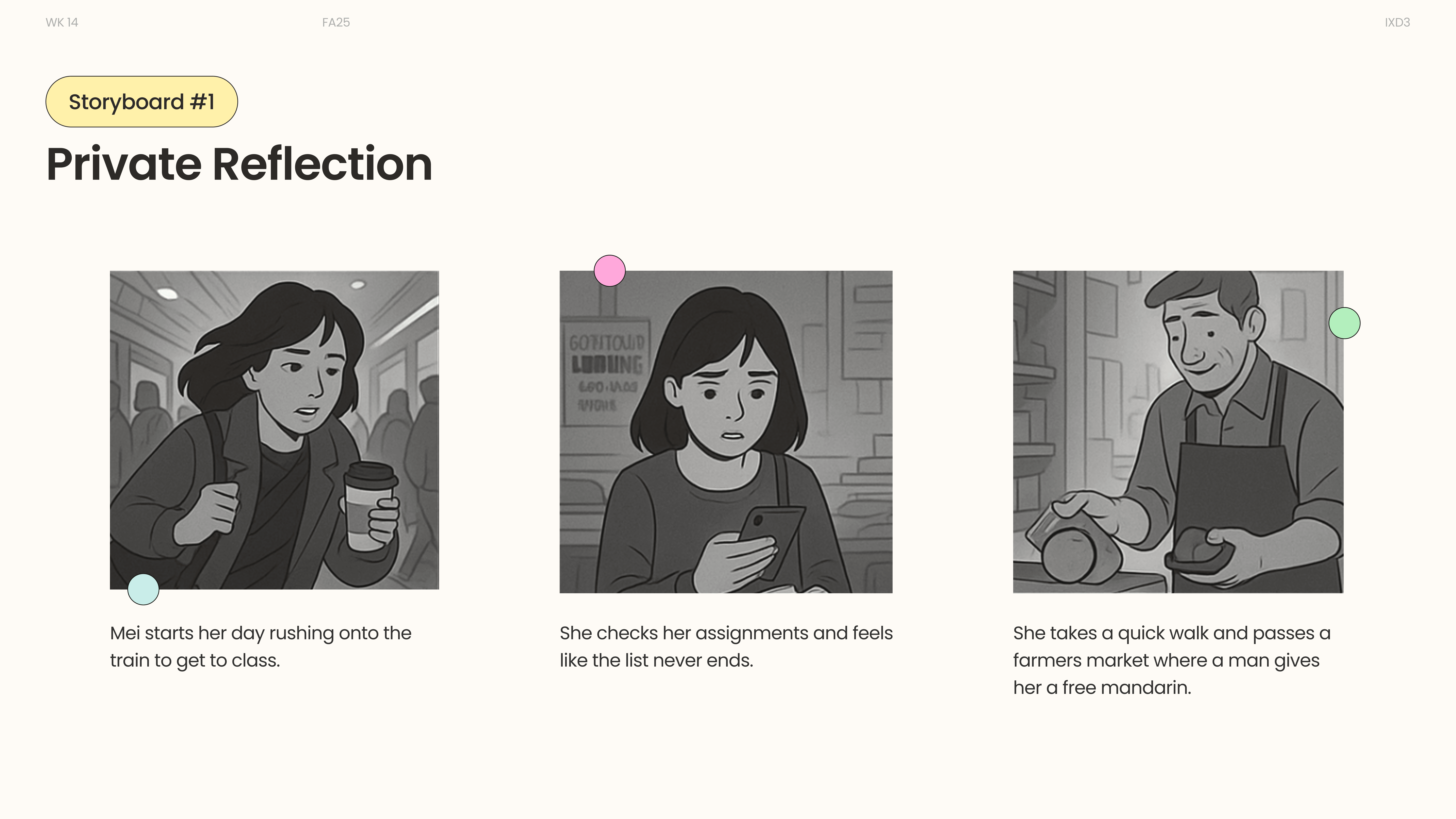
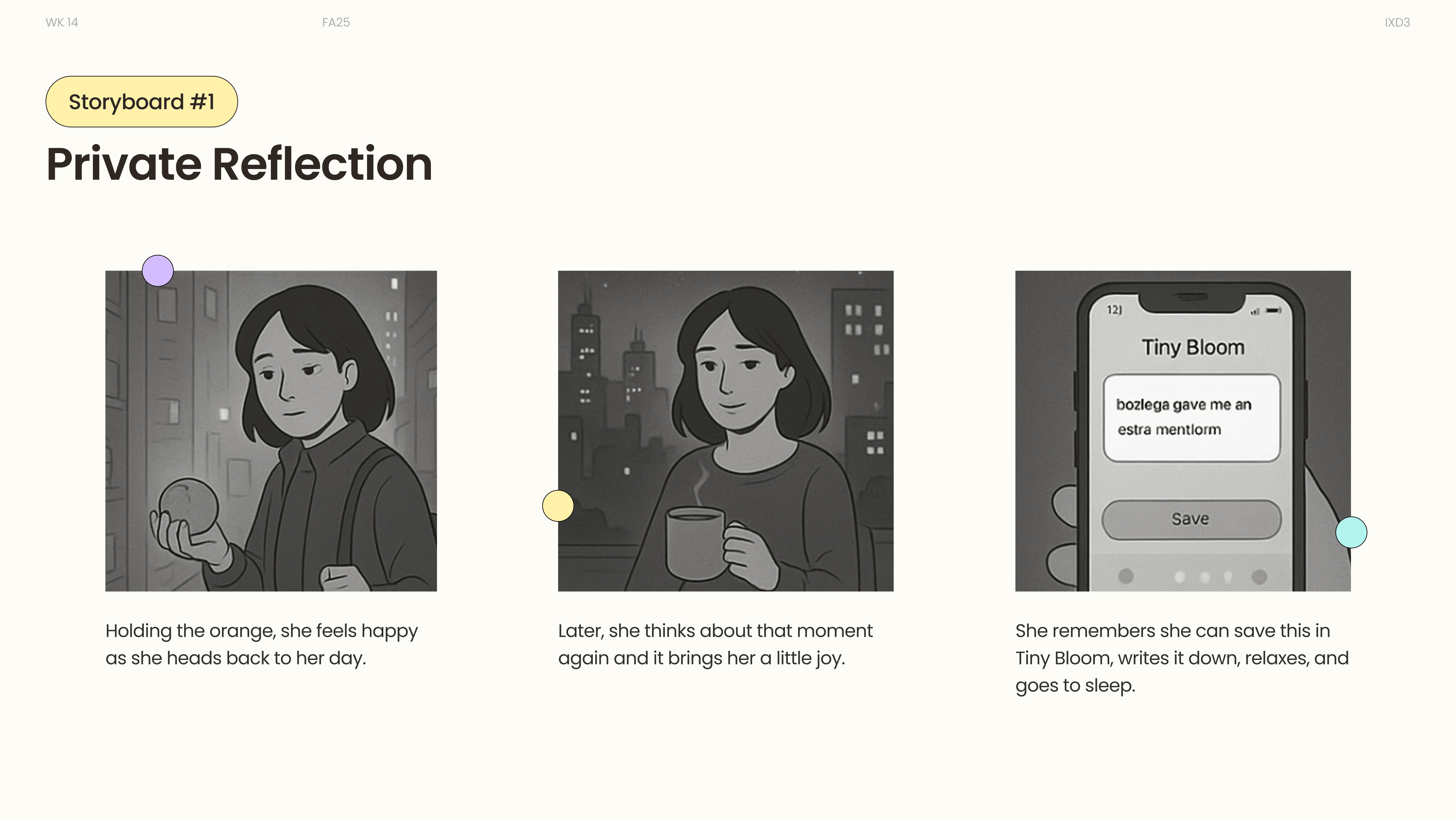
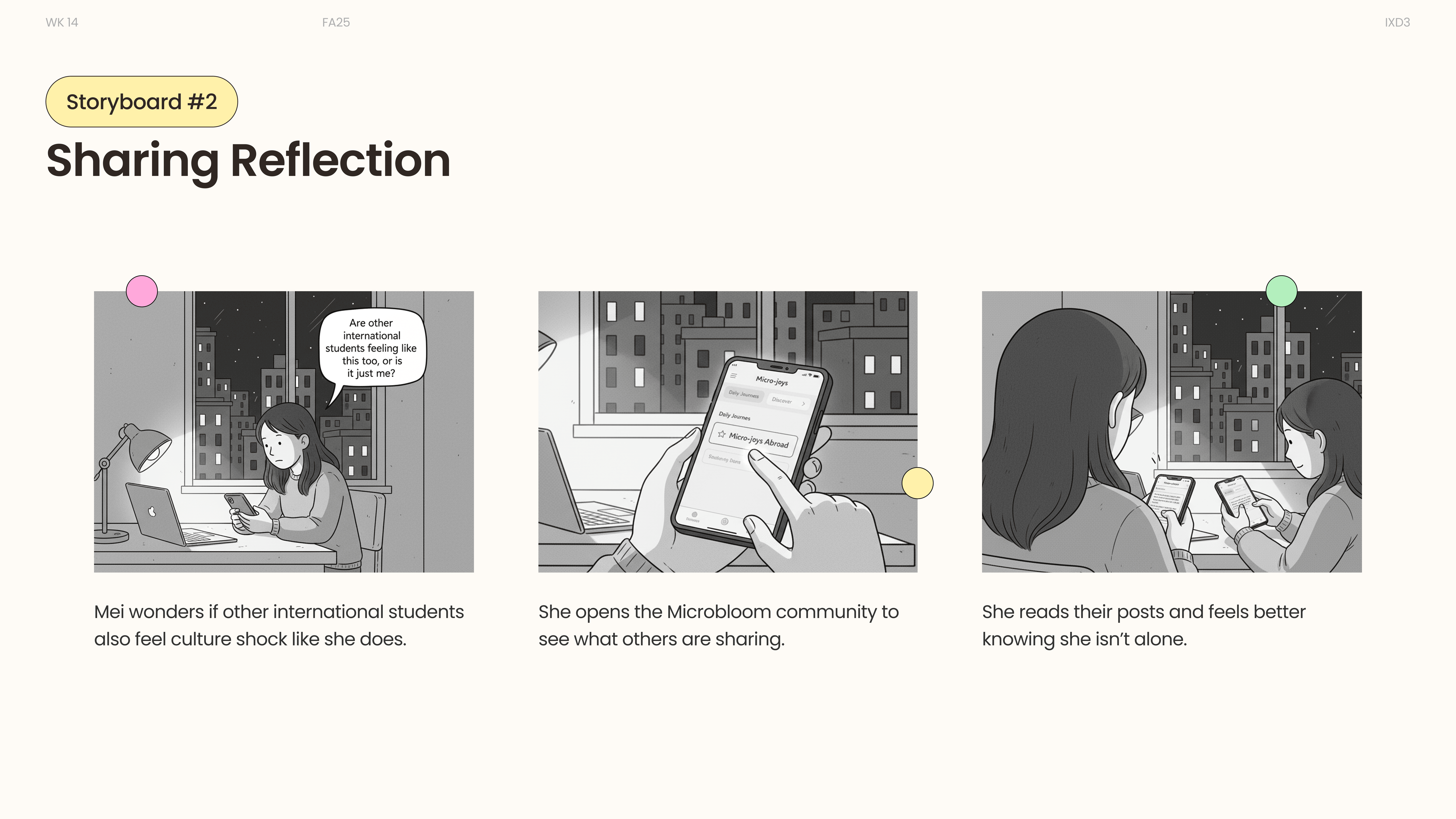
Private reflection · Noticing a moment of warmth
Research & insights
We combined interviews and observations with literature on emotional well-being and reflective practices. We wanted to understand how people notice, remember, and share micro-joy — especially during periods of change.

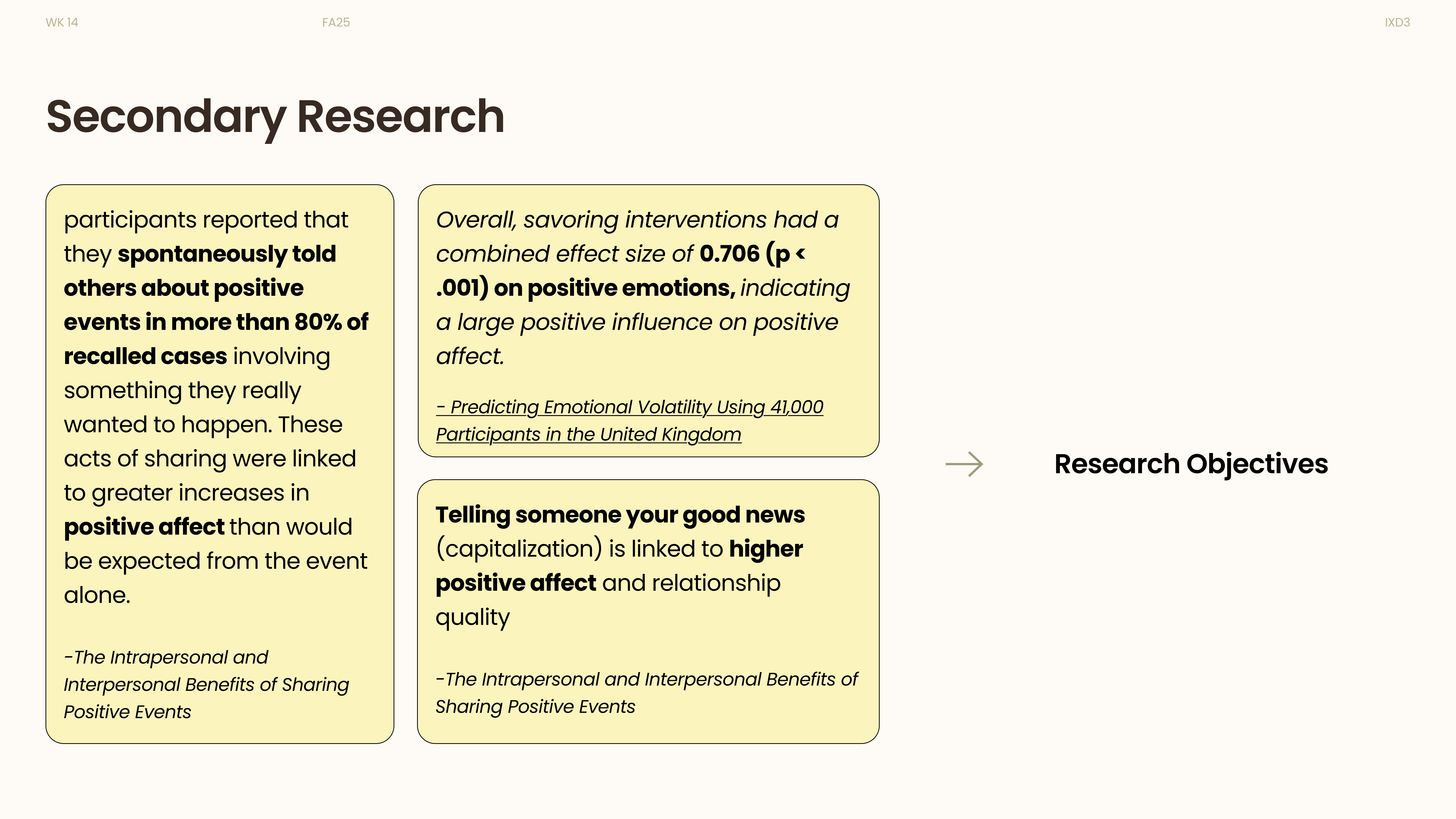

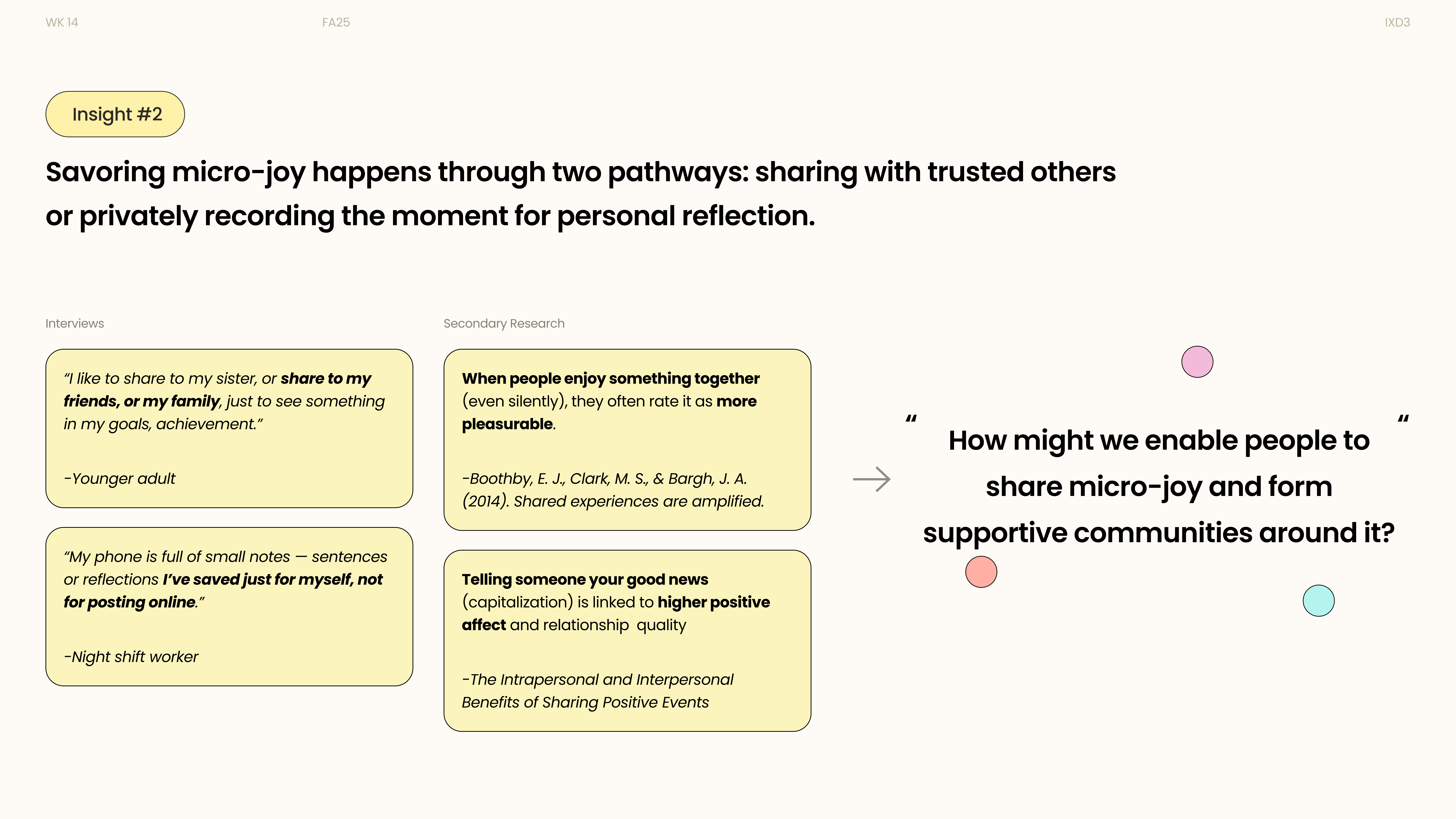
Primary research · Interviews and everyday experiences
Comfort first. Sharing by choice.
Comfort in uncertainty
Warm reflections provide comfort in a moment of uncertainty.
Design directionMake private reflection feel easy and reassuring.
Connection without pressure
A community can provide comfort by sharing with others.
Design directionKeep sharing optional, with a clear boundary between private and public.
A moment worth revisiting
Recording and revisiting micro-joys can have a positive impact.
Design directionHelp people return to past moments, instead of treating them as one-time posts.
Why international students?
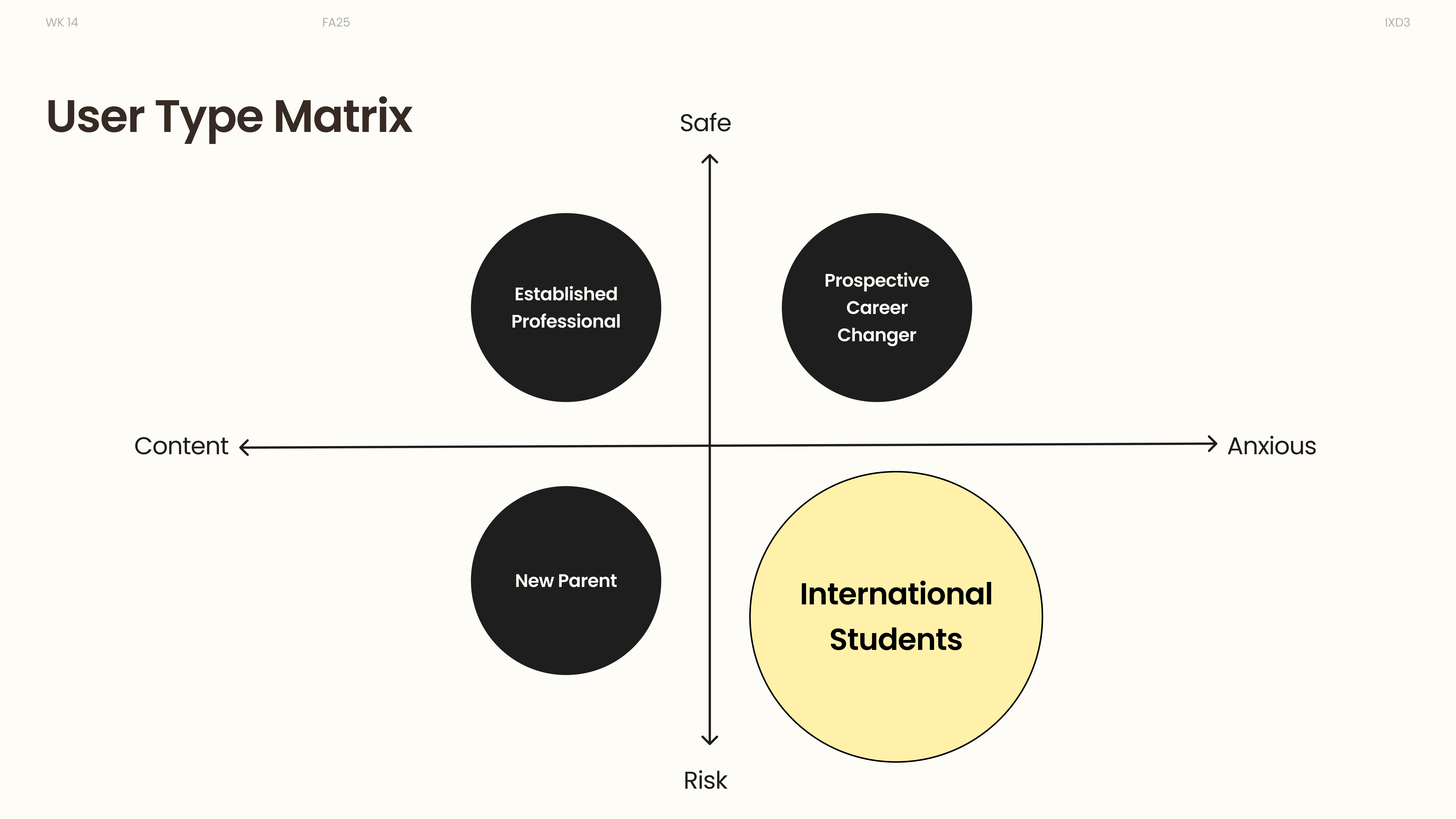
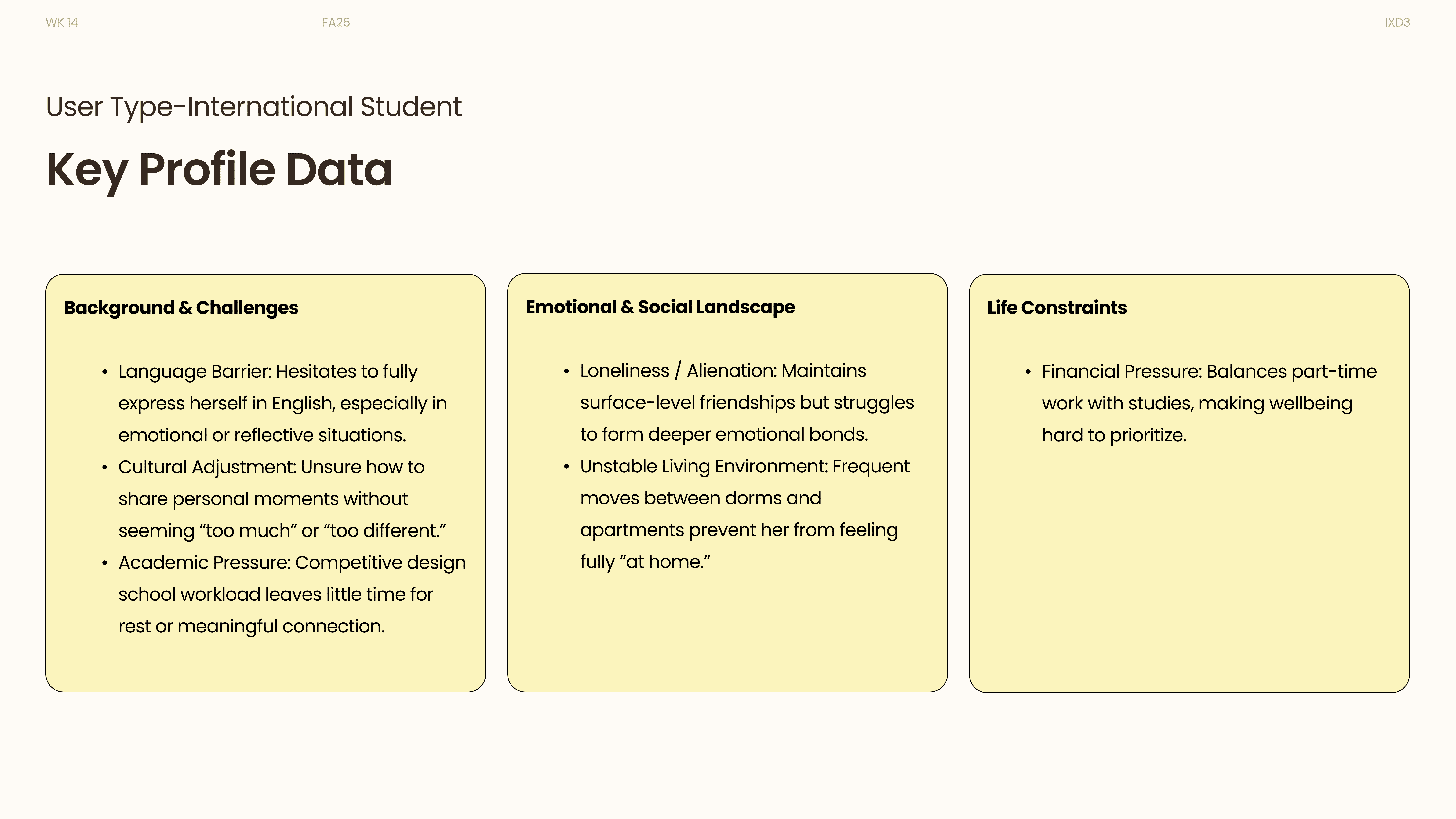
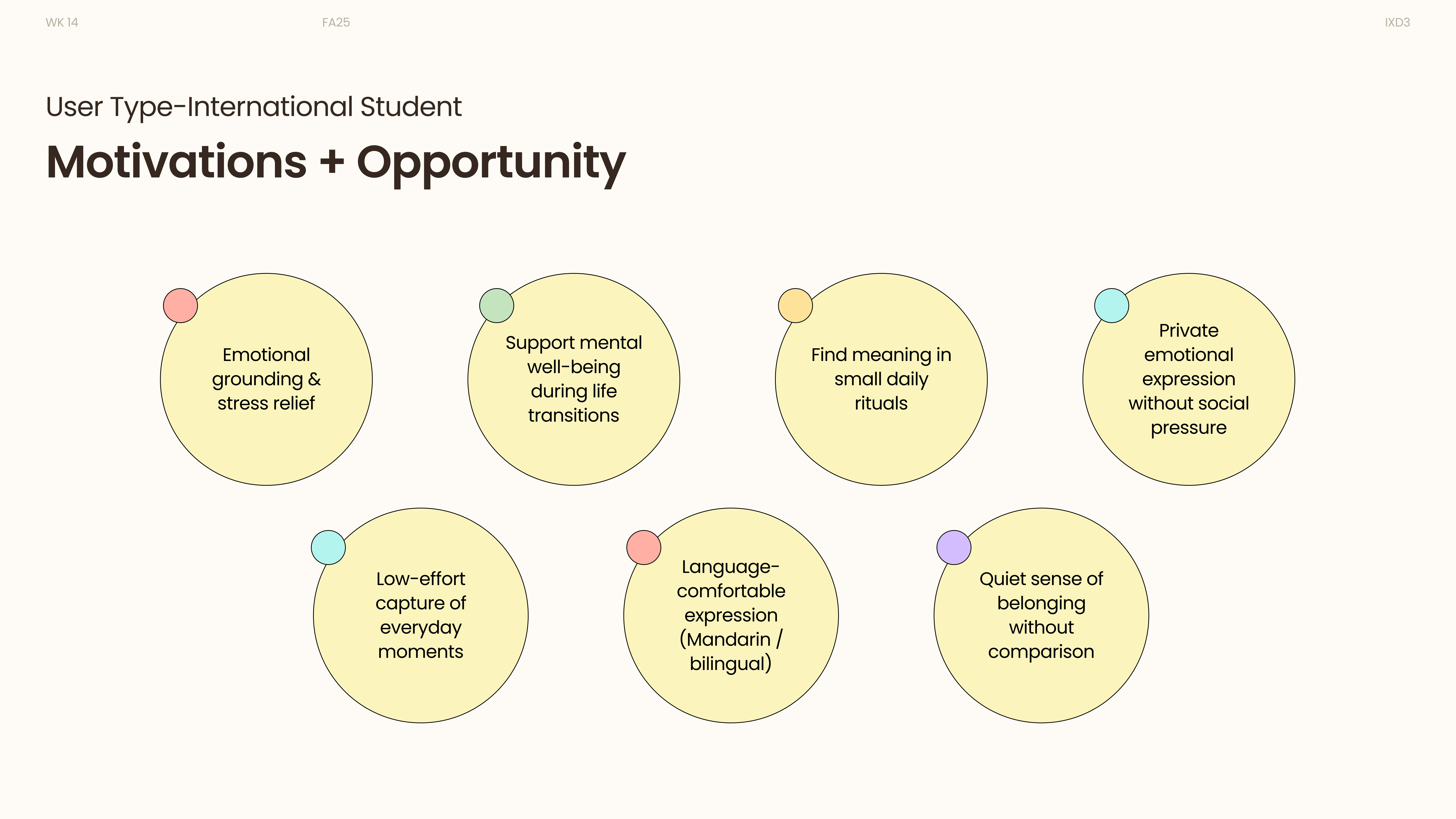
Through behavioral continuums and user type matrices, we mapped patterns of emotional stability and transition, identifying international students as our primary user focus.
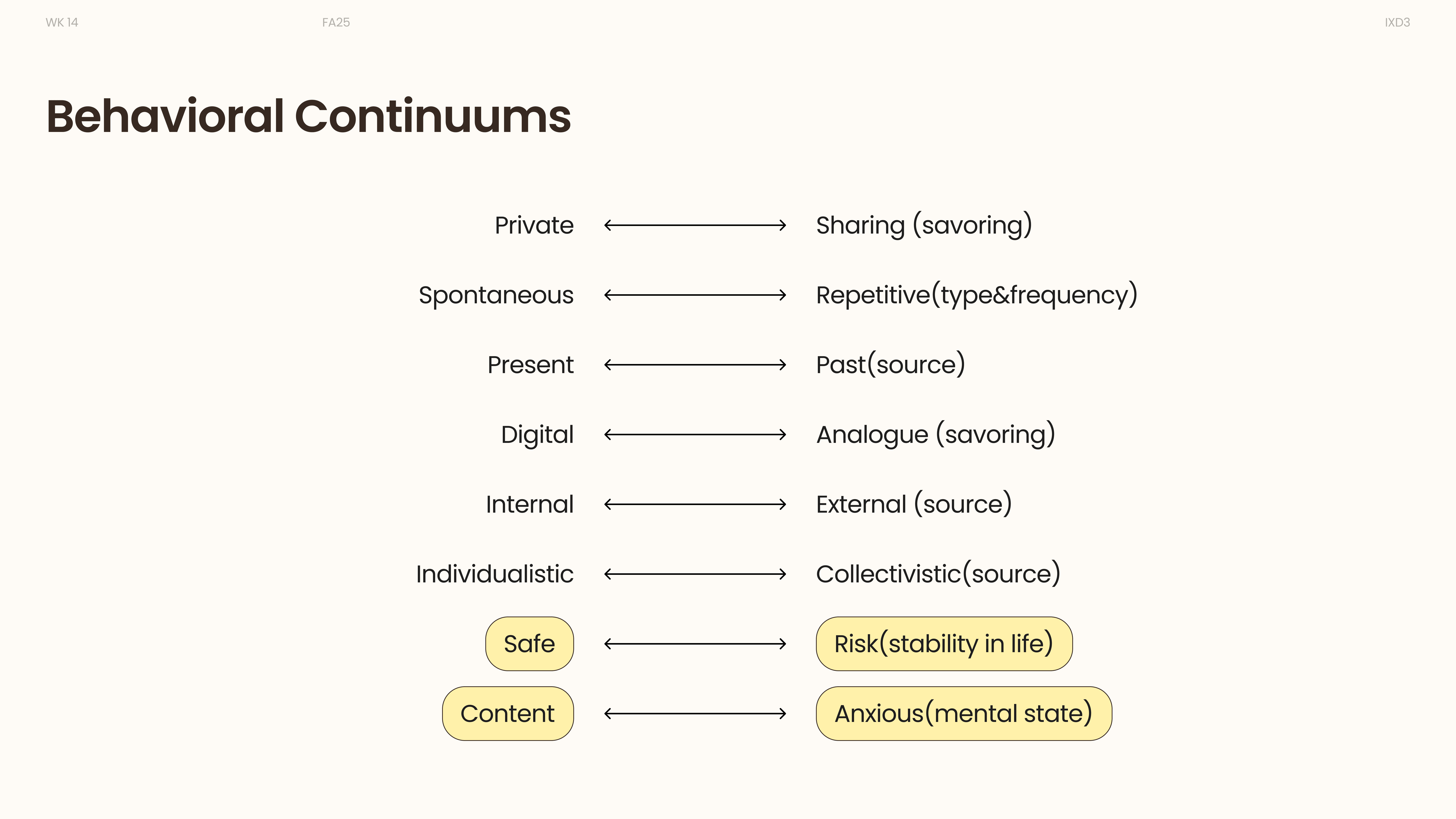

Behavioral continuums · Reflection habits and emotional context
Design exploration
Reflection tasks
Capture a micro-joy moment, add a photo, write a reflection, save privately, and revisit entries.
Capture → Save → RevisitSharing tasks
Browse community reflections, join conversations, post publicly, and respond to others.
Explore → Share → Connect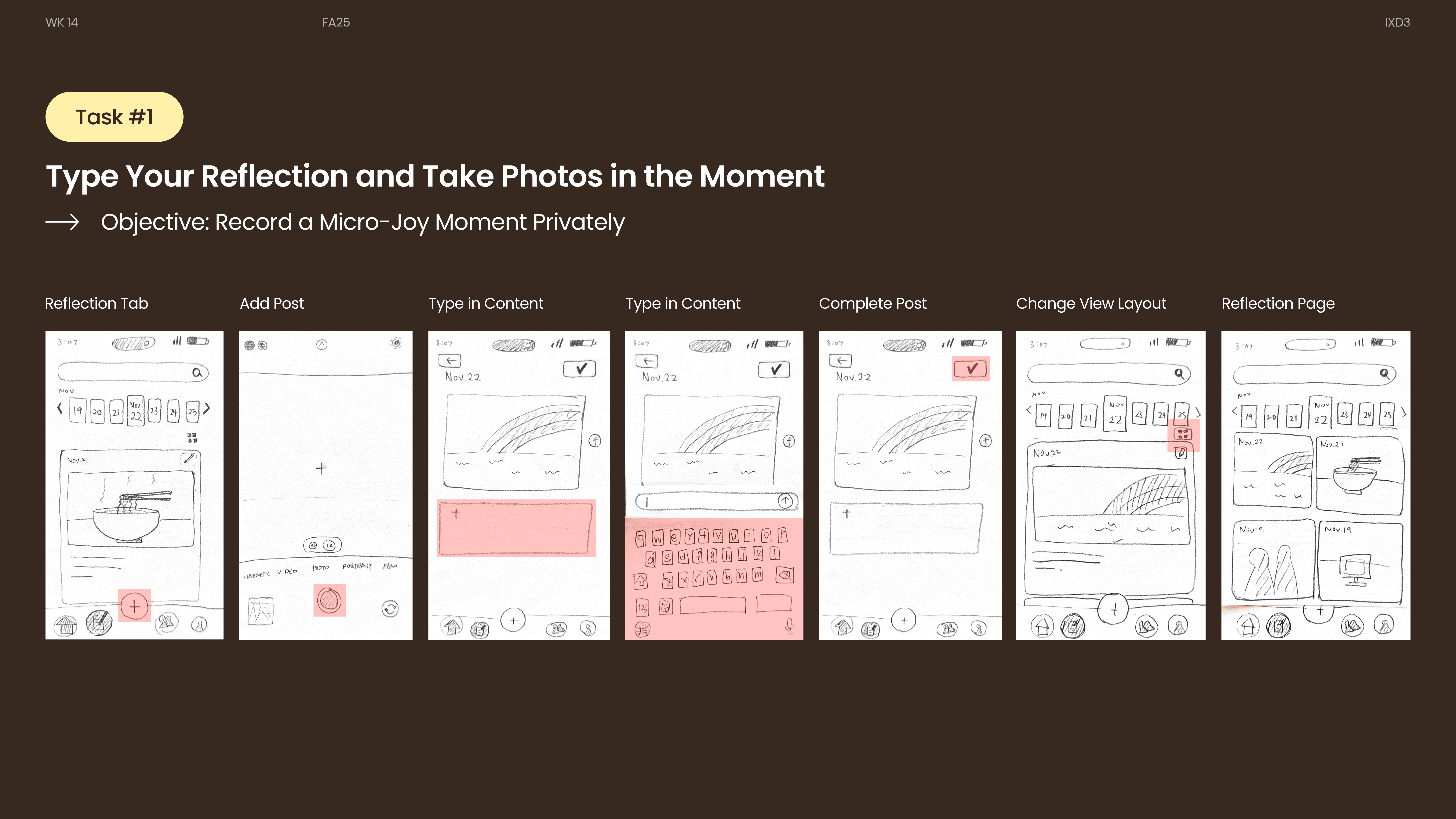
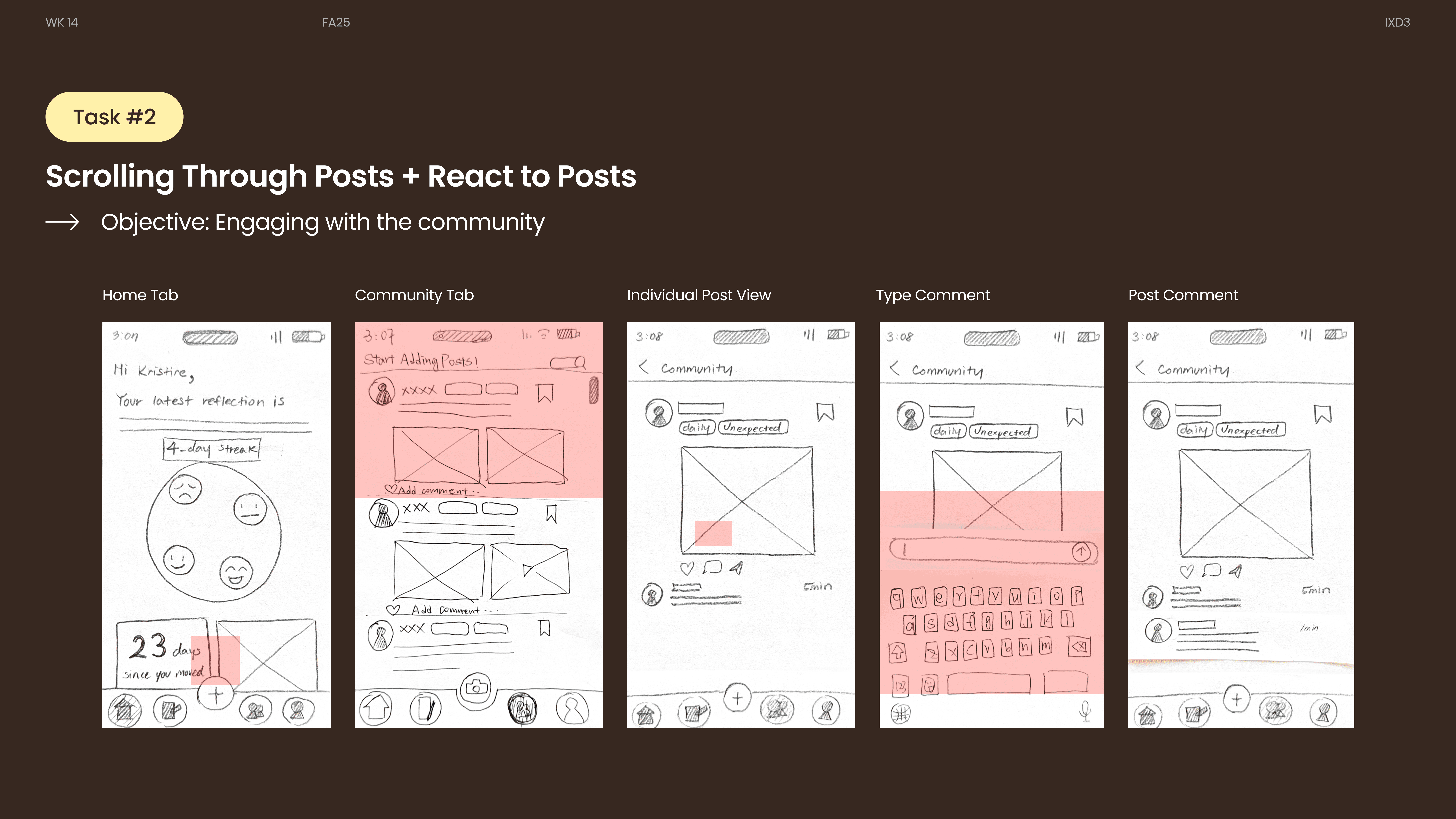
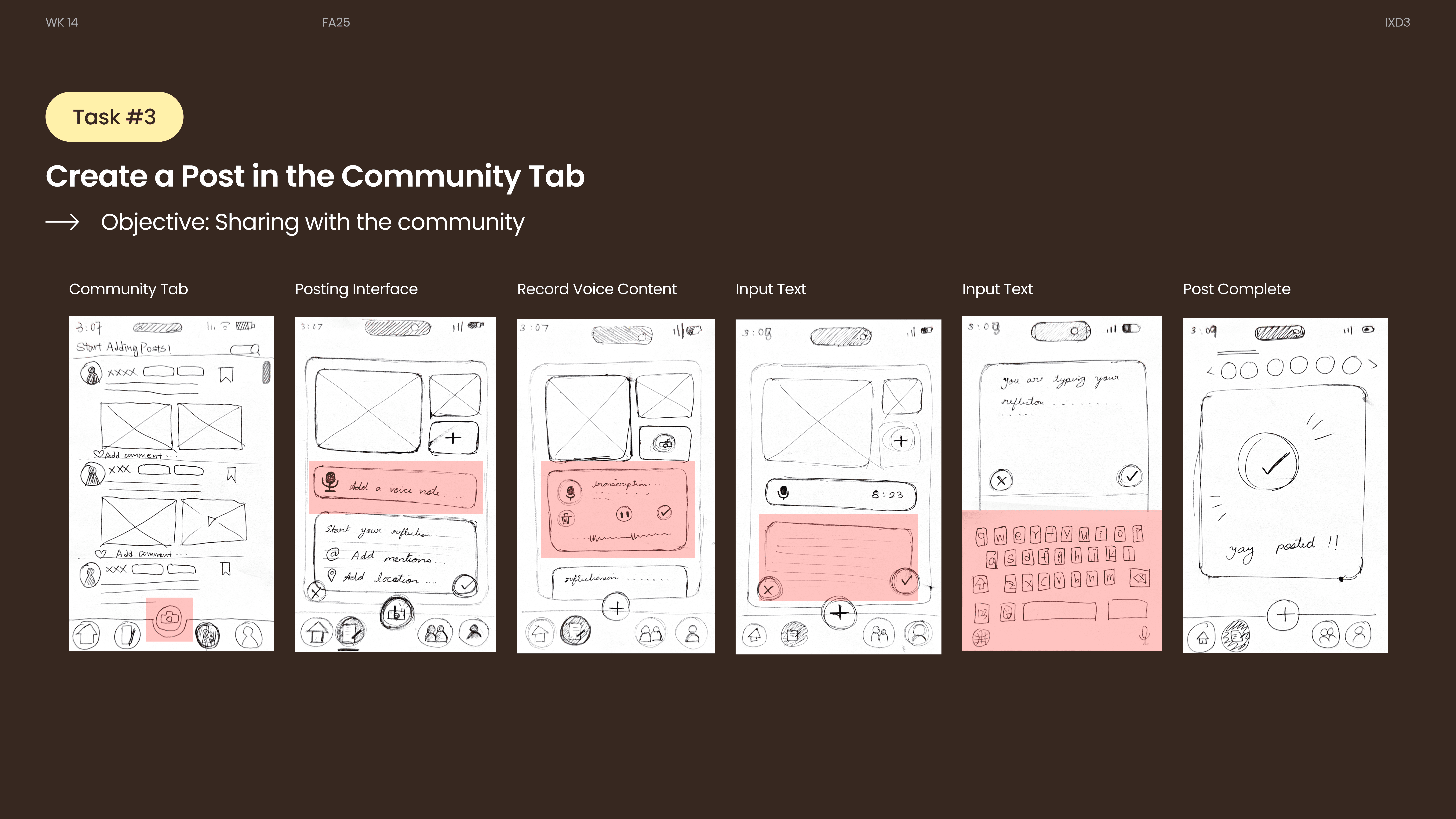

Task 01 · Record a micro-joy privately
Connecting the reflection and community flows.
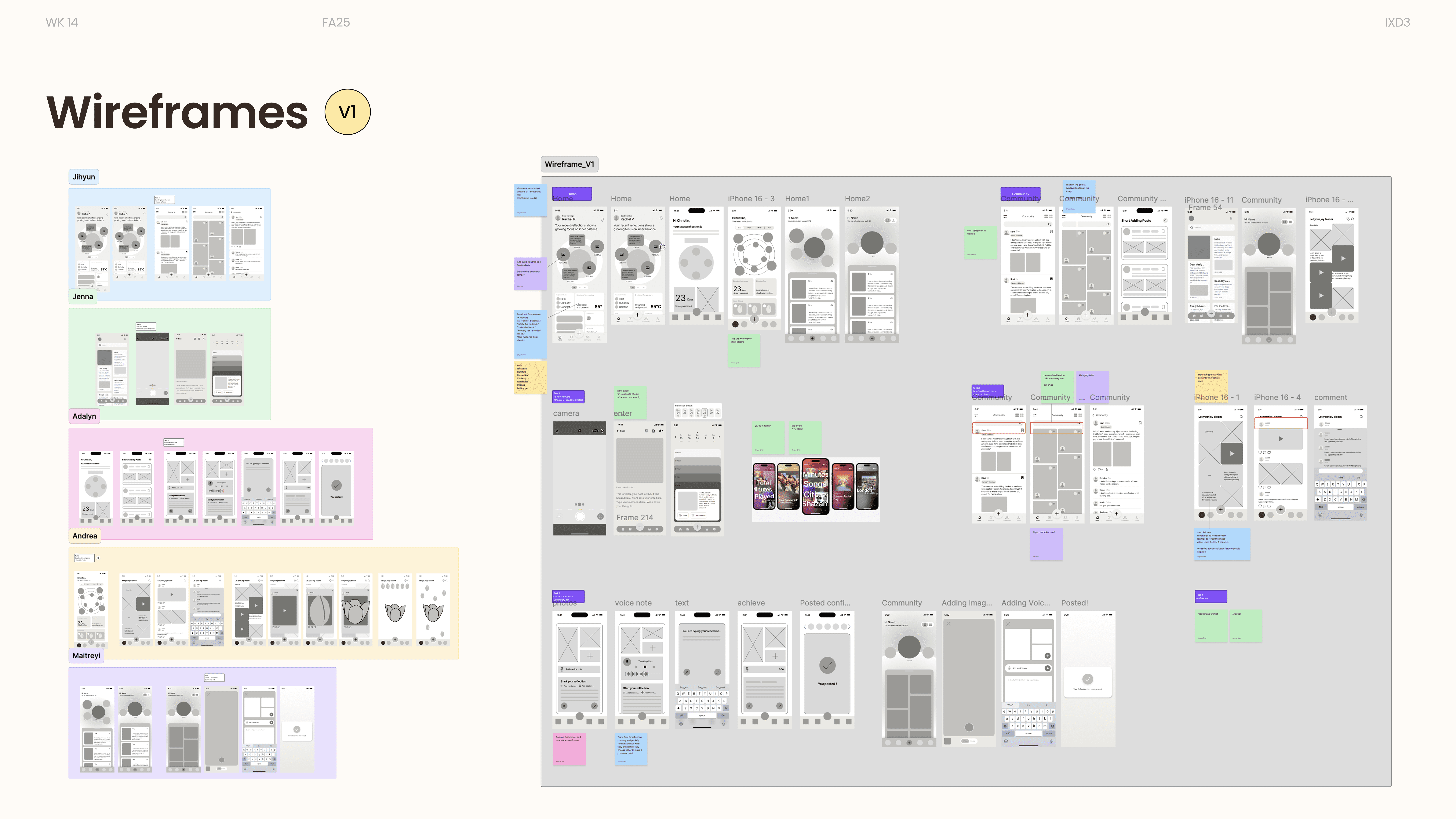
Usability testing
Users paused before posting, searched for confirmation feedback, and expected a clearer distinction between reflection and community modes.

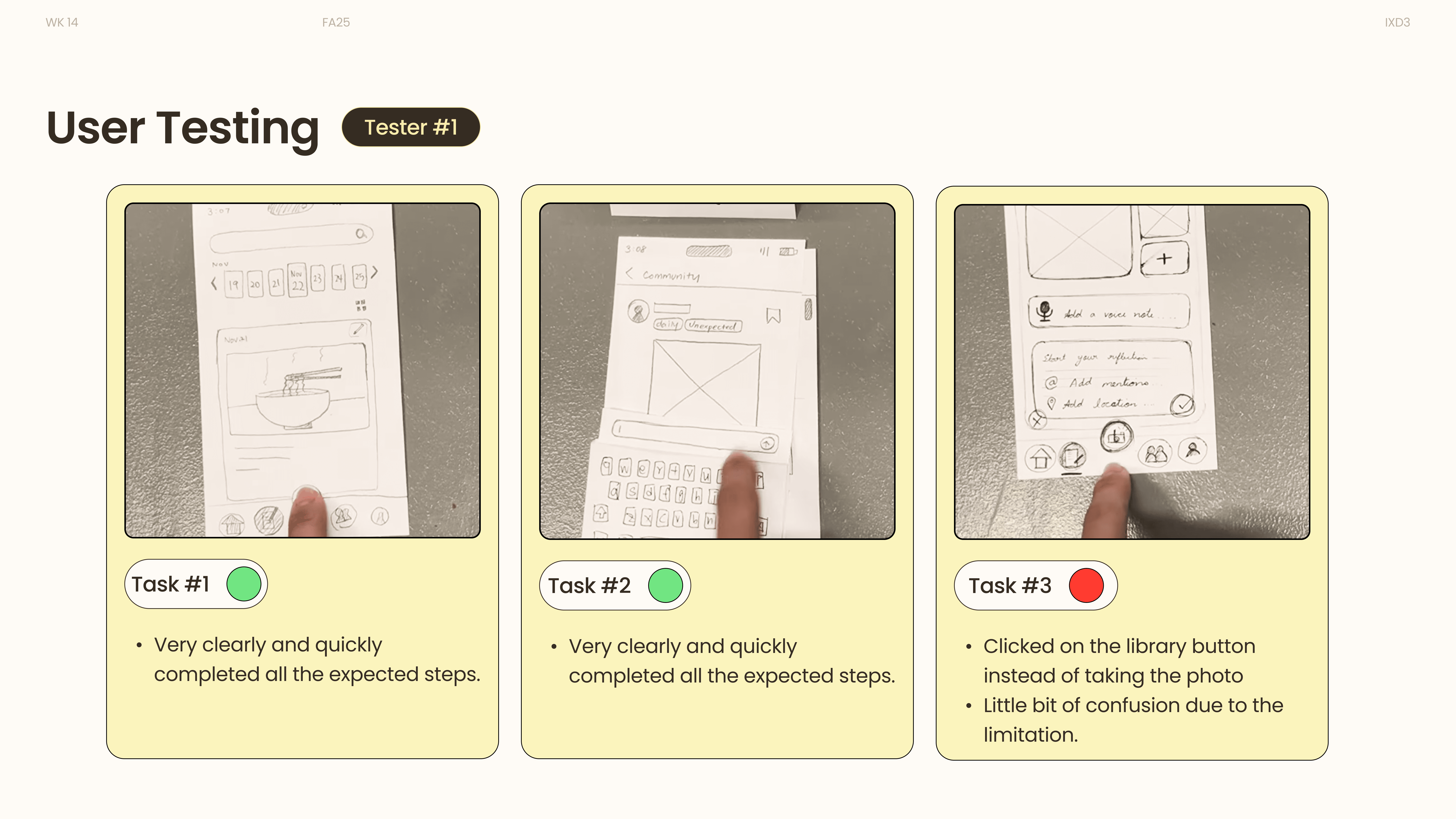
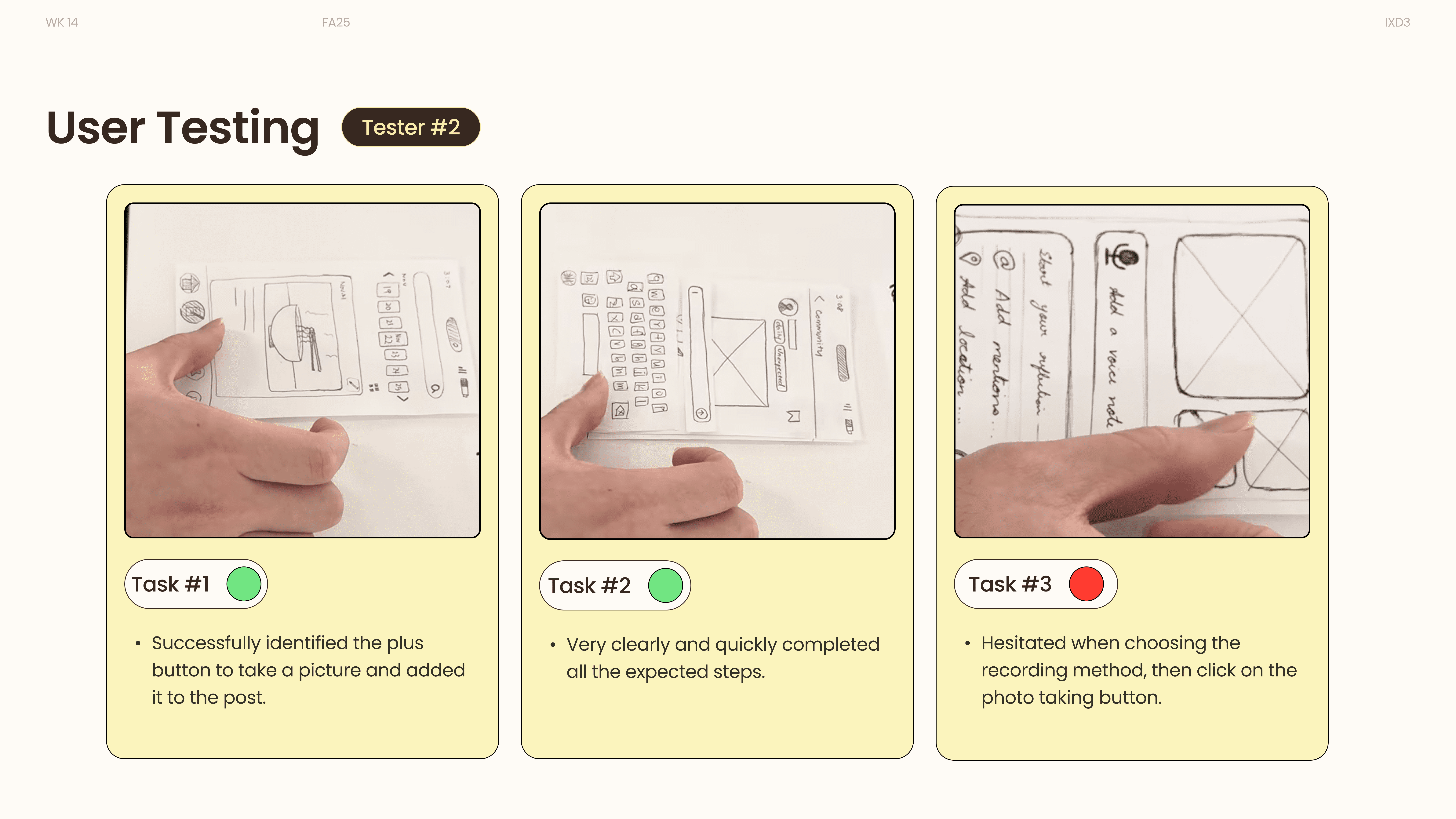
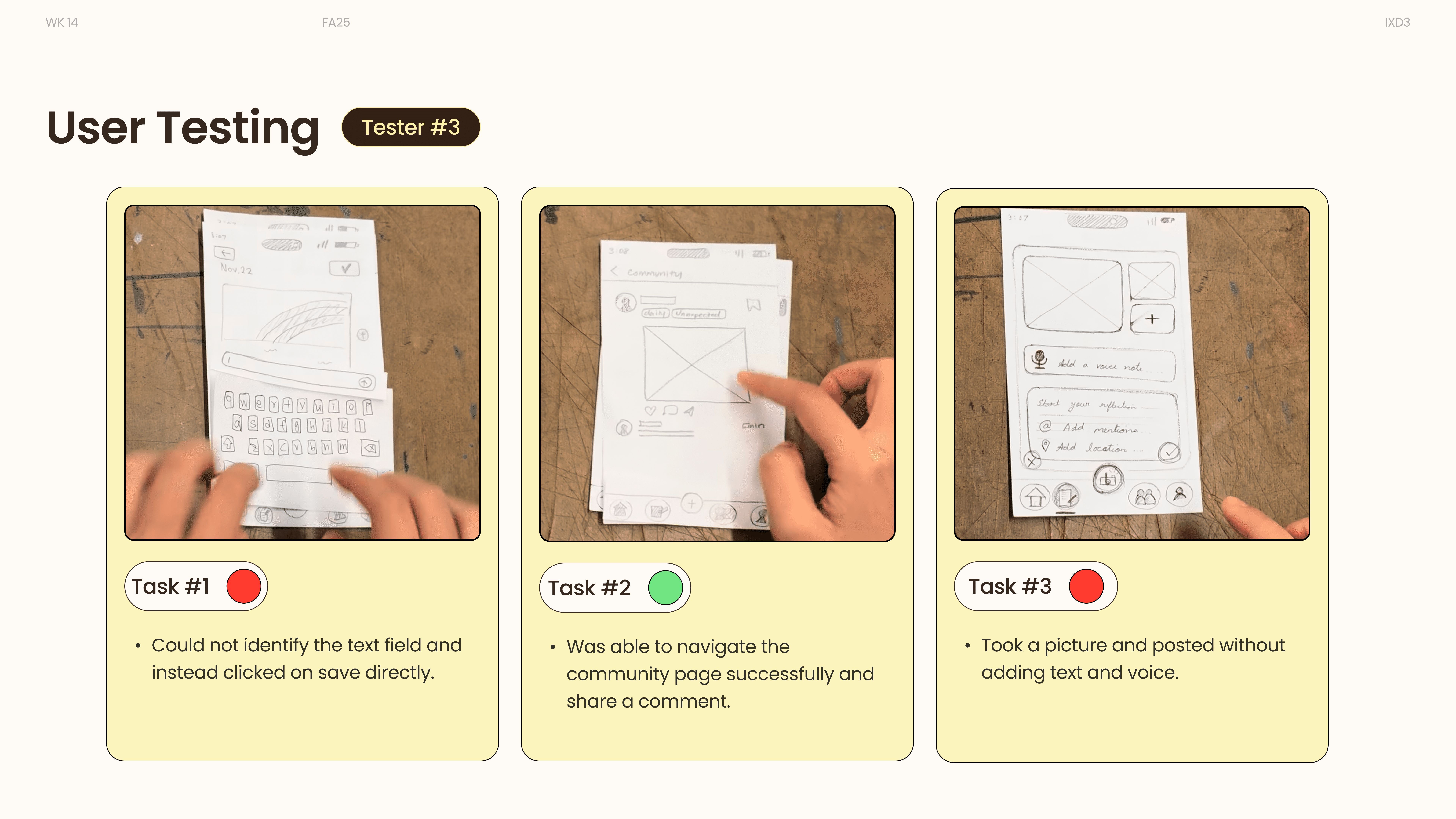
Usability testing · Three participants
The add-post entry was not immediately clear.
Make the starting point visible and label the action clearly.
Users hesitated when choosing private versus public.
Explain who can see the reflection before saving or sharing.
Users looked for confirmation and did not immediately understand the layout view.
Provide clear feedback and a simpler distinction between modes.
We revisited these recordings to identify and document authentic user responses for further analysis.
Visual language
Small circular elements converge to form the bloom, symbolizing growth from everyday micro-moments. The motion remains soft and calm, reinforcing TinyBloom’s reflective and intimate tone.
A warm base, quiet typography, and small circles that come together as a bloom.
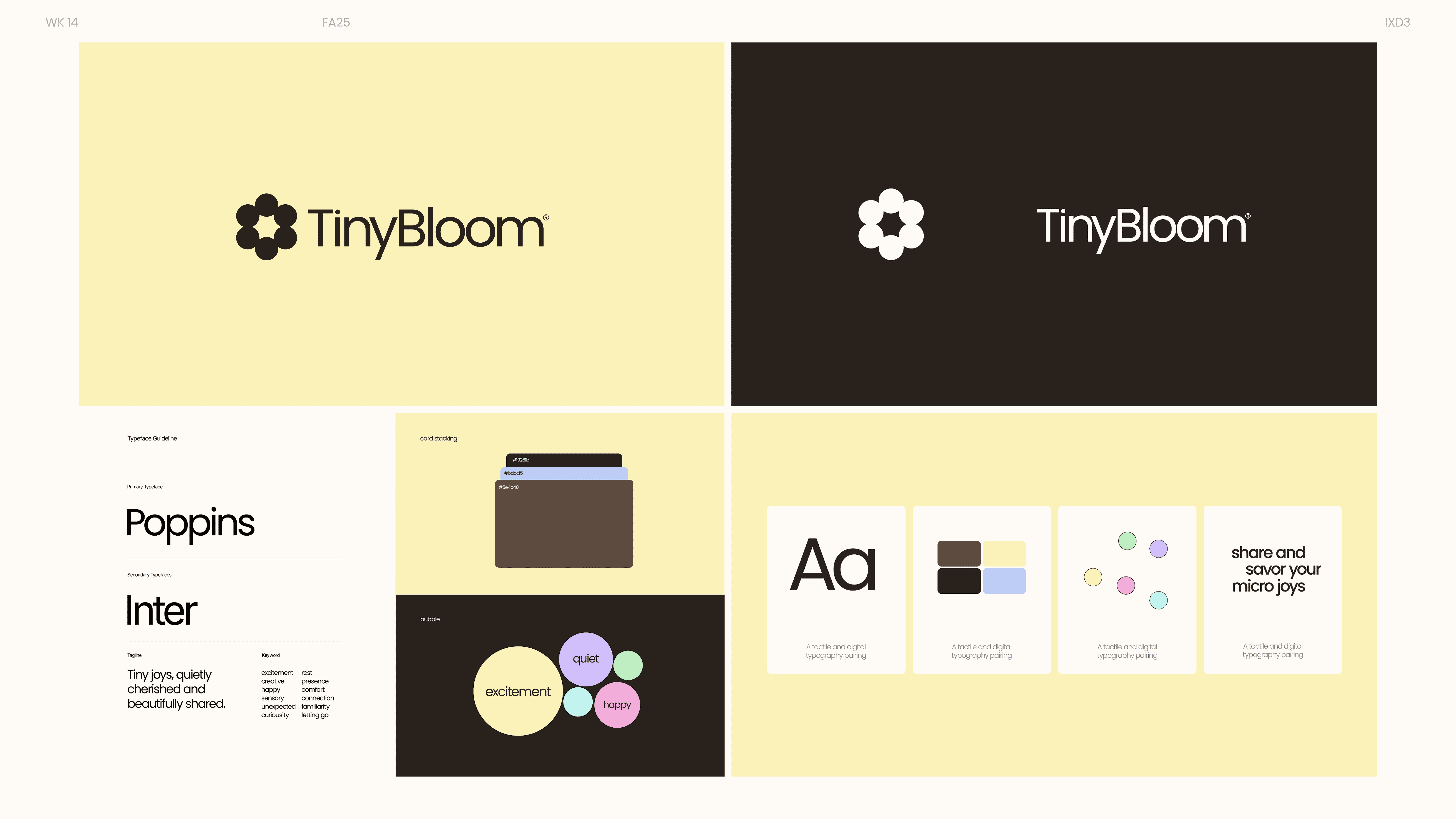


Original TinyBloom identity · Color, typography, and forms
Capture the moment
Notice something small. Record it in the way that feels easiest.
Savor or share
Keep it private for reflection, or share selectively to connect.
See joy take shape
Revisit patterns that emerge from ordinary, everyday moments.
Final design · Prototype
The final TinyBloom experience connects capturing, revisiting, and gently sharing micro-joys.
Home — Overview
The Home screen combines reflection, guided prompts, and a summary of a person’s micro-joys. Recent reflections are visualized as a blooming shape, highlighting key words and photos from the week or month.
Reflection — Recording Micro-Joy
The reflection experience is designed to feel effortless. From taking a photo, users are guided into a recording page where they can capture micro-joys through audio, writing, or images — then choose to keep the entry private or share it with the community.
Community — Share Micro-joy
The Community space lets people explore others’ micro-joys, react, comment, and save posts. Content is organized by categories and used to personalize each user’s feed. Users can also follow others to keep up with their reflections.
Home — Overview
The Home screen combines reflection, guided prompts, and a summary of a person’s micro-joys. Recent reflections are visualized as a blooming shape, highlighting key words and photos from the week or month.
Explore the full screen collection +

Reflection & next steps
This project taught me to take small emotional moments seriously. Interviews and observations helped us understand the experience; secondary research helped us give those insights direction.
The biggest lesson was balancing private reflection with community connection. The design should make both possible, while keeping the person in control of what they share.
What I would explore next
Clarify the choice. Test the private–community flows further to refine clarity and emotional comfort.
Refine the bloom. Develop the core visualization in high-fidelity prototypes.
Look beyond a moment. Explore long-term emotional insights that help people understand their evolving sources of joy.